AI-powered project planning means that you can create a structured, realistic project plan in minutes from a client briefing, meeting notes or a familiar project type – supported by an AI that knows your entire workspace context. For agencies, this directly impacts billability: less time spent on manual planning work means more time for billable client projects.
Manual project planning is one of the biggest hidden cost drivers in agencies. Extracting tasks from e-mails, estimating time budgets from memory, structuring phases by hand – this takes hours and is prone to errors. If a project starts out with plans that are too tight or too vague, the project success rate suffers – and with it, profitability.
Why Manual Project Planning Slows Agencies Down
[.toc-name]Manual Planning Slows Down Agencies[.toc-name]
Before a project kicks off, certain things need to be clarified: Which tasks arise from the briefing? How long does each element realistically take? Who has capacity? What did similar projects actually cost in the past?
Answering these questions manually means:
- Hours of research across multiple tools
- Error-prone estimates from memory rather than data
- Overbooked teams, because availability hasn't been properly checked
- Projects that run over budget, because time buffers were missing from the outset
The result: project leads spend a large portion of their week on administration rather than billable work – and billability drops. 🤯
How AI-Powered Project Planning Works with awork AI
[.toc-name]How AI-Powered Project Planning[.toc-name]
awork AI is not an external tool that you open alongside your work. The AI is integrated directly into your workspace and knows your projects, time tracking, team skills and historical data – without you having to explain the context first.
This is the crucial difference from generic tools like ChatGPT or Claude: with those, you never know how long a website relaunch takes for your team. awork AI does.
[.b-button-primary]Discover awork AI[.b-button-primary]
Use Case: From a Client E-Mail Directly to Tasks in awork
[.toc-name]Use Case: From E-Mail to Tasks[.toc-name]
A client sends an unstructured e-mail with requirements for a new project. Previously: read it manually, derive tasks, structure phases, estimate time budgets – 60 to 90 minutes of work before the project has even started. With awork AI, this takes a fraction of the time.
Step 1: Insert Briefing into awork
Open awork AI and paste the client e-mail directly into the input field using copy and paste – or first save it as a document in awork Docs and reference it in your prompt.
Optionally: Structure the BriefingIf the client briefing is incomplete or unstructured, you can ask awork AI to prepare it first – for example, based on an existing briefing template in your Docs.
Prompt: "Structure this briefing according to our template and flag any missing information."
This gives you a clean foundation before you begin planning.
Step 2: Create Project via Prompt
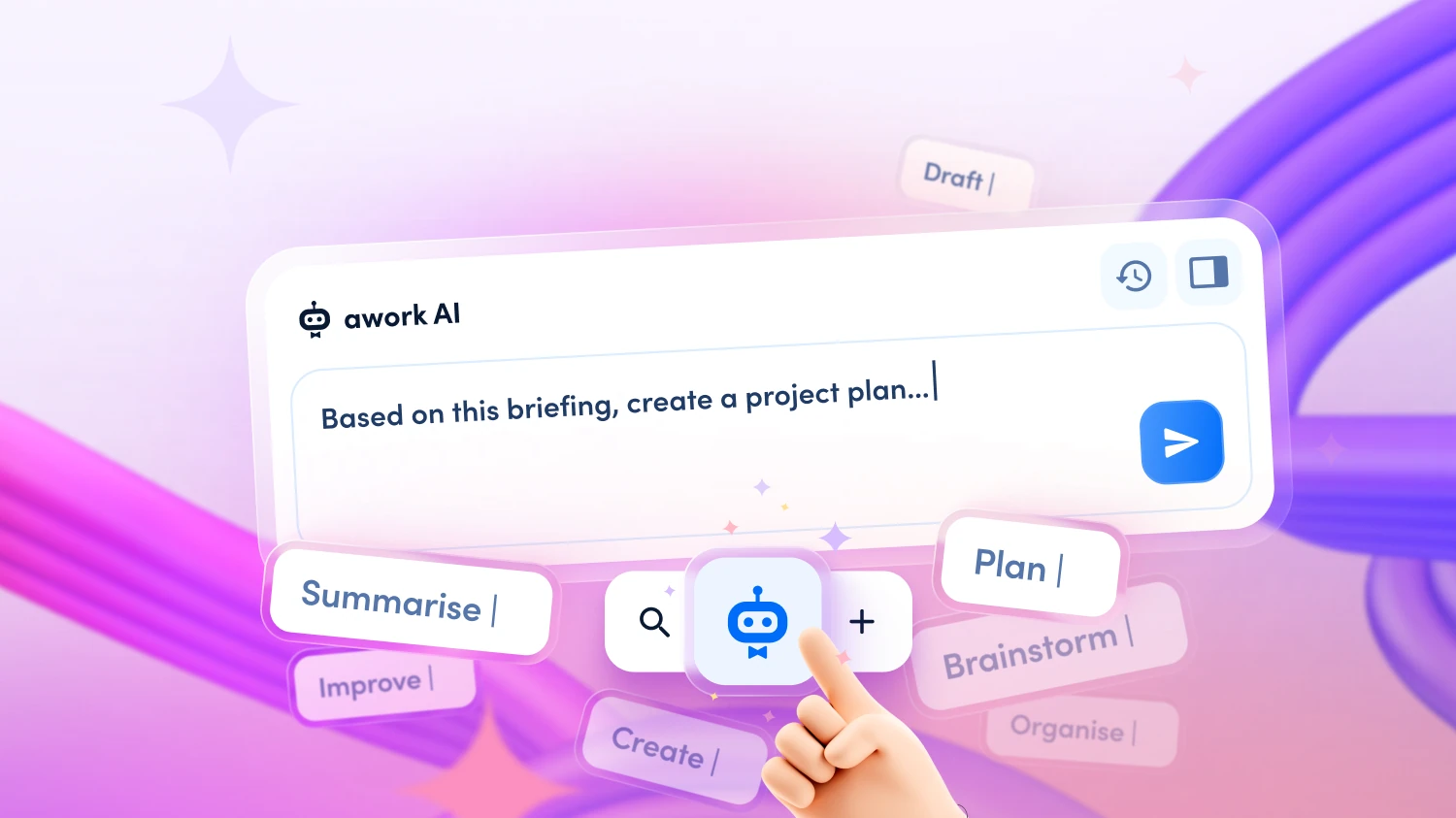
Ask awork AI to create a project proposal based on the briefing. Write in natural language, e.g.: "Based on this briefing, create a proposal for the project plan: what phases and tasks arise from it, and how long would that realistically take for our team?"
awork AI analyses the briefing, extracts requirements and suggests phases, tasks and time budgets – based on comparable projects in your workspace and your team's actual time tracking records.
Step 3: Read and Assess the Proposal
The AI provides you with a structured draft, e.g.: "Concept phase: 12 hours (based on five similar projects). Design phase: 28 hours. Development: 65 hours – including a 20% buffer, as this step has historically taken 25% longer than planned."
Step 4: Your Review
Now it's your turn. Review the proposal with your own context in mind: are there nuances the AI isn't aware of – for example, specific client requirements, internal dependencies or known risks? Adjust tasks, time budgets and phases as needed.
Step 5: Create the Project
Once the proposal looks right, ask awork AI to create the project: "Create the project based on this plan." The AI sets up the project in awork – with all phases, tasks and time budgets from the final proposal. You give the final sign-off.
Total effort: 10 minutes instead of 60 to 90 minutes of manual planning work.
[.b-button-primary]Discover awork AI[.b-button-primary]
AI Works Best When Your Data Is Complete
awork AI is only as good as the data it can access. The more complete your workspace is – project plans, time tracking, team skills, budgets and absences – the more precise and useful the generated project plans and time estimates will be.
[.b-important-block]If skills are kept up to date and time tracking is maintained consistently, the AI can not only suggest phases and tasks, but also derive realistic time budgets – based on what actually works in your agency.[.b-important-block]
[$tag]💡 Good to know[$tag]
[.b-button-primary]Discover awork AI[.b-button-primary]
awork AI Supports You Throughout the Entire Project Cycle
[.toc-name]AI Throughout the Entire Project Cycle[.toc-name]
The use case above illustrates one flow – but awork AI can be used for many other typical agency moments:
- Meeting notes → tasks: Copy kick-off notes from awork Docs or your notes app into awork AI and have structured task packages generated from them.
- Project type → standard plan: Prompt: "Generate a project plan for a website relaunch with CMS migration." The AI draws on proven structures from your historical projects and creates a reusable template.
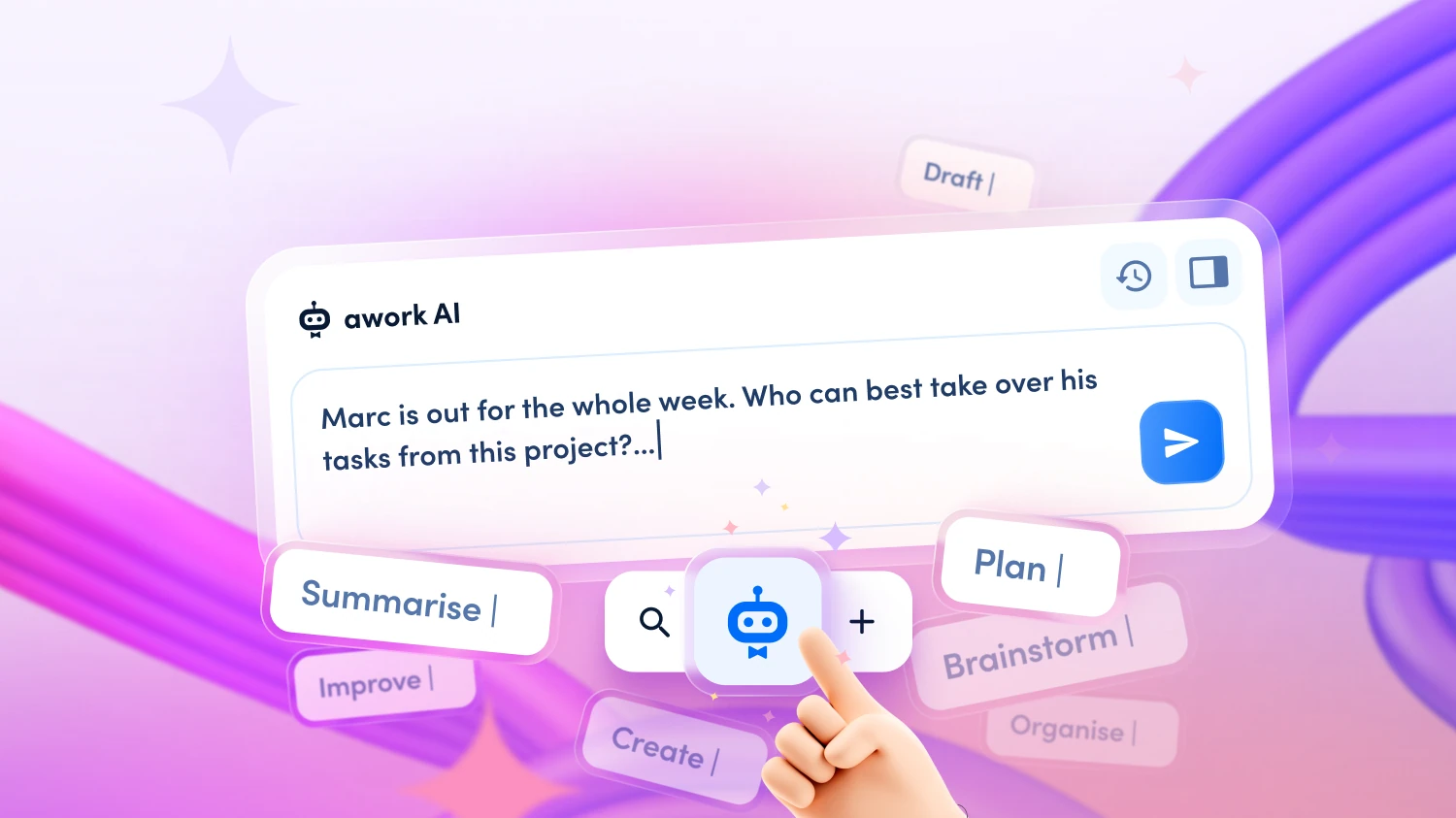
- Absence management: If a team member drops out at short notice, awork AI analyses open tasks, checks skills and availability, and suggests a concrete redistribution.
- Weekly planning: Have a complete meeting briefing generated for the coming week – including project status, risks and open decisions.
👉 Discover more workflows for your agency in our webinar ‘Improve agency operations with AI’.
Data Protection: GDPR-Compliant in the EU
[.toc-name]Data Protection[.toc-name]
Client briefings and project data are sensitive. awork AI processes all data on ISO 27001-certified servers in Germany/EU. No training on your data, no sharing with third parties. For agencies in the DACH region, this is a decisive advantage over external AI tools where it is unclear where client data ends up.
[.b-button-primary]Discover awork AI[.b-button-primary]
FAQ
How accurate are awork AI's time estimates in project planning?
awork AI bases time estimates on your historical project data – that is, on what has actually been recorded in your workspace. It compares planned with actual times from similar projects and suggests realistic budgets, including typical buffers. At the outset, the AI draws on agency-typical best practices. As usage grows, the suggestions become more precise.
Can awork AI create a project plan from an unstructured client e-mail?
Yes. You copy the e-mail into the AI chat using copy and paste, enter a brief prompt and receive a structured draft with phases, tasks and time budgets. The AI extracts all relevant requirements from the text – you review and give the plan final approval.
What happens if the briefing is incomplete?
awork AI works with the available material and flags missing information. It suggests what additional details would be needed – for example, target audience, desired technology or deadline. You decide whether to proceed with the plan as it stands or request further information from the client first.
Can I create a template from a project plan for future projects?
Yes. Successful project plans can be saved as templates in awork. awork AI can also help you generate a standard plan with typical phases and tasks directly from a project type – for example, "social media campaign" or "website relaunch" – which can then serve as a starting point for new projects.
Does awork AI replace my project manager?
No. awork AI is a co-pilot: it takes over time-consuming research and planning work, but you make all strategic decisions, manage client relationships and give plans final approval. The goal is for project leads to spend less time on administration – and more time on what truly matters.
[.no-toc]Start with AI-Powered Project Planning Now[.no-toc]
Less planning effort, data-driven calculations, more time for billable work: awork AI gives you the tools to set up new projects more quickly and reliably – from the first client e-mail to the finished plan.
[.b-button-primary]Start a free trial[.b-button-primary]