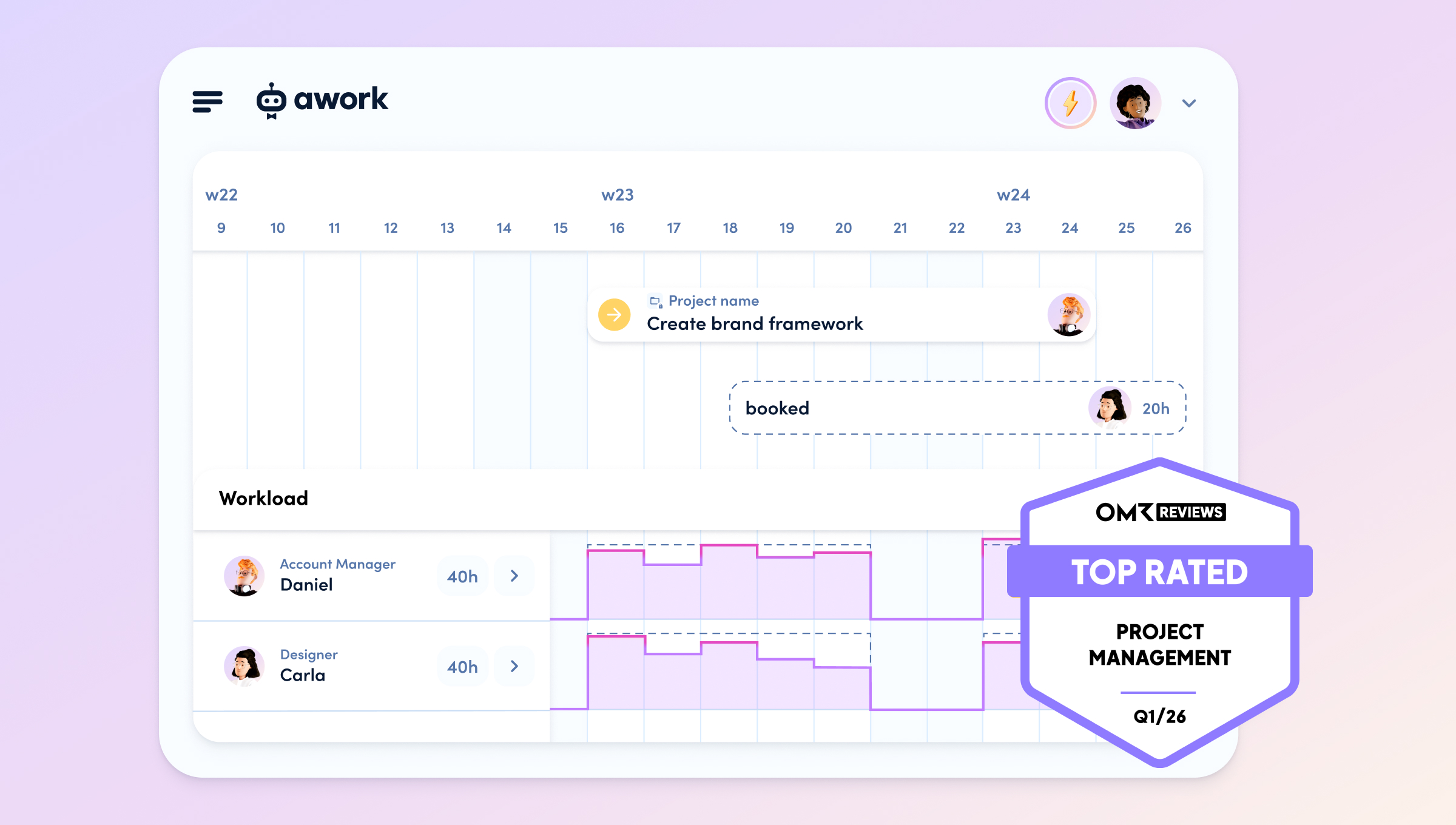
Capacity planning with AI means analyzing your team's resources, skills, and availability in real-time and getting data-based rescue in case of absences – instead of searching manually in calendars and spreadsheets for hours.
For agencies, this is directly linked to billability, project success, and profitability: Because every hour you put into hectic replanning is an hour that does not go billable to client projects.
You know the drill: Monday morning, 8:47 a.m. Marc writes, he is sick – presumably for the whole week. He has tasks in three ongoing projects, two deadlines by Wednesday. You open awork and know within ten minutes who will take over.
Why contingency planning in agencies often goes wrong
[.toc-name]Contingency planning problems[.toc-name]
When a team member unexpectedly drops out, a familiar spiral begins in many agencies: Slack messages, quick calls, an improvised meeting – and in the end, an important task slips through without anyone having checked it.
The spontaneous absence of a team member is a real planning problem. 🤯
This is due to the structure of how agency work works:
- Tasks are closely linked to individual people
- Deadlines are set by the client and hardly negotiable
- Skills and current workload are rarely transparently documented
- Capacities are planned on the edge – without any significant buffer
This leads to a single sick note triggering several hours of productive planning work.
Work that is not billable. Work that costs project managers daily energy – and that occurs exactly when you can least afford it.
The fundamental problem is not a lack of commitment, but a lack of data.
- Which tasks are critical?
- Who really has capacity right now?
- Who has the necessary skills?
These pieces of information are scattered in calendars, project plans, and minds – and it takes time to manually consolidate them. Often two to three hours, which are completely non-billable.
[.b-important-block]And it adds up: 300 hours of planning effort per year are not uncommon in agencies – equivalent to up to 25,000 euros of missed productivity.[.b-important-block]
[$tag]💡 Overhead lowers your billability[$tag]
AI-supported capacity planning makes a difference
[.toc-name]AI-supported capacity planning[.toc-name]
awork AI acts as a co-pilot for your capacity planning. You ask a specific question, the AI analyzes your entire workspace context, and gives you a structured proposal. You decide what to implement.
The crucial advantage over generic AI tools like ChatGPT or Claude:
awork AI already knows your projects. 💡
It has access to project plans, open tasks, time tracking, team skills, calendar utilization, and absences – all live, all in one workspace. You don't have to build context, copy-paste data, explain anything.
The awork AI knows:
- All open tasks of the sick person, including dependencies and deadlines
- Skills and roles of all team members
- Current utilization and free capacities in the resource planner
- Calendar events, registered absences, and vacation times
- Historical data from comparable projects and previous utilization situations
This also protects your customer data: awork processes everything on EU servers (ISO 27001-certified), is fully GDPR-compliant and does not train models on your data. Sensitive project information remains in your secure awork environment.
[.b-button-primary]Discover awork AI[.b-button-primary]
Manage an absence with awork AI: Step by Step
[.toc-name]How to use awork AI[.toc-name]
Here you can see what the process in awork looks like in concrete terms – using the example of Marc's sick leave.
- Step 1: Open the project
Open the affected project directly in awork. This sets the context for the AI – it automatically sees all tasks, deadlines, and assigned persons of this project. - Step 2: Open awork AI
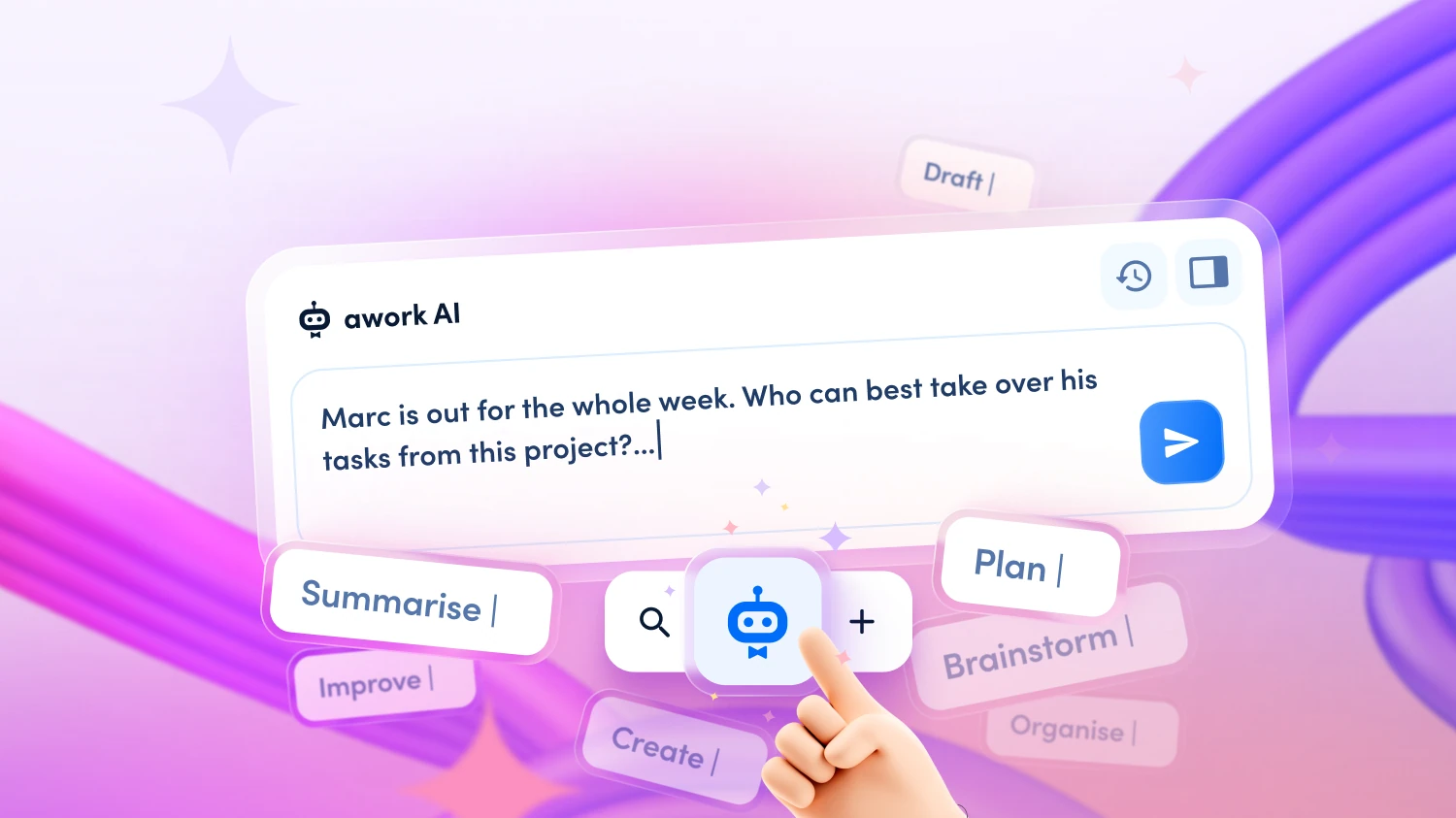
Click on the AI button in the project or open the AI via the main menu as a full view. The AI already shows you the active project context at the bottom. - Step 3: Enter the prompt
Write in natural language, e.g.: "Marc is out for the whole week. Who can best take over his tasks from this project?"
No complex prompt setup needed – the AI knows which project is open. - Step 4: Wait for the analysis
awork AI now automatically checks: What tasks does Marc have? What skills are needed for them? Who in the team has these skills and still has free capacity this week – taking into account calendar appointments, existing bookings, and absences? - Step 5: Read and categorize the proposal
The AI gives you a clear recommendation, e.g.: "Liz is the best option. She is already in the project, has about 15 free hours, and covers the relevant topics. Alternatively: Julie or Jessie for specific tasks." – including a rationale. - Step 6: Human Review
Now it's your turn. Check the proposal with your context: Are there nuances that the AI doesn't know – e.g. customer preferences or internal dynamics? Adjust the plan if necessary. - Step 7: Reassign tasks
Assign the tasks directly in awork to the new person. Optionally, you can ask the AI to prepare this for you – you give the final approval.
Total effort: 10 to 15 minutes instead of two to three hours of manual coordination.
[.no-toc]AI works best when your data is complete[.no-toc]
awork AI is only as good as the data it can access. The more complete your workspace is – team skills, project plans, time tracking, budgets, absences – the more precise and helpful the suggestions are.
This is especially true for capacity planning: If availabilities, existing bookings, and skills are up to date, the AI can provide sound recommendations.
Historical project data is an additional lever: The more completed projects with real time tracking are available in awork, the better the AI can recognize patterns – such as certain types of tasks in your agency typically taking longer than planned.
Well-maintained data is not a prerequisite for starting, but the key to making awork AI more valuable over time.
Not just for sick notes
[.toc-name]Most loved AI use cases[.toc-name]
The described scenario applies not only to sick days. Whenever the resource situation changes spontaneously – or you simply need clarity quickly – awork AI shows its value:
- Short-term vacation or emergency – same logic, same process
- Freelancer drops out – awork AI also considers external employees
- Scope change by the client – new requirements, immediate capacity check
- Winning a new project – who really still has capacity, without endangering existing projects?
- Spontaneous customer request on Friday afternoon – who can deliver by Monday?
- Before the next customer meeting – you know in two minutes what the real project status is before you go into the meeting
Anyone who has used awork AI once for a sick note quickly realizes: This is not a special feature for exceptional situations. It's a new way of planning every day.
[.no-toc]Manage absences, protect billability – with awork AI[.no-toc]
Unplanned absences are part of agency life. How you deal with them determines whether your projects still arrive on time – and whether your billability remains stable. With awork AI, you have a co-pilot that shows you in minutes who can take over without you having to research for hours.
Start now for free and see for yourself how quickly you can catch the next absence.
[.b-button-primary]Try awork for free[.b-button-primary]
FAQ
Do I have to explain to the AI who Marc is and what tasks he has?
No. If you have the affected project open in awork, the AI automatically knows the context. It sees tasks, deadlines, assignments, and skills – without you having to explain or copy-paste anything. That is the key difference from generic AI tools like ChatGPT.
Can the AI redistribute tasks on its own?
The AI suggests, you decide. It can provide you with a complete redistribution plan and prepare tasks – but you give the final assignment. Human review is always part of the process.
What if the proposal doesn't fit?
That can happen. The AI works with data – skills, workload, availability – but it doesn't know all the nuances of your team. If a proposal doesn't fit, you simply ignore it or adjust it. Your judgment remains final.
Is it GDPR-compliant if customer data is involved?
Yes. awork processes all data on ISO 27001-certified servers in the EU. There is no training on your customer data, and your information does not leave your workspace.
Does this also work with several affected projects at the same time?
Yes. You can ask the AI across workspaces – e.g.: "Marc is out. Show me all his open tasks this week and suggest a redistribution." The AI then analyzes all relevant projects and gives you a consolidated overview.
[.b-button-primary]Try awork for free[.b-button-primary]