An AI-powered project report automatically summarises the progress, open items and budget status of an ongoing project – directly from your real project data, without any manual research. For agencies, this means: you go into every client meeting prepared, no matter how spontaneous it is – and you save the time that would otherwise be lost putting status reports together.
It's 14:30. A client writes: "Could we have a quick call in 20 minutes? I'd like to know where we stand." You don't know where to begin? Which tasks were completed this week? What's still open? Is the budget still on track? Who's currently responsible?
This exact moment costs agencies valuable time – and, in the worst case, the client's trust. 🤯
Why Spontaneous Status Reports Eat Up So Much Time
[.toc-name]Status Reports Eat Up Time[.toc-name]
Delivering a well-founded project status sounds straightforward. In practice, it means:
- Opening multiple projects and manually reviewing tasks
- Tracking down time entries from the past week
- Pulling out budget figures
- Reconstructing open items and risks from memory or asking PMs
- Pulling it all together into a coherent summary
Even if you keep everything meticulously maintained, this takes 30 to 60 minutes – time you simply don't have when the client is calling in 20 minutes. And time that isn't billable.
[.b-important-block]Every hour that project leads spend on manual reporting work reduces the billability of the entire team.[.b-important-block]
[$tag]💡 Financial risk[$tag]
What awork AI Does Differently
awork AI is integrated directly into your workspace and knows the current status of all projects – tasks, time tracking, deadlines, budgets, assignments. You don't need to explain any context or copy data together. This is the crucial difference from external AI tools like ChatGPT or Claude: they don't know your projects. awork AI does.
The result: a complete project status in minutes – based on real data, not estimates from memory.
[.b-button-primary]Discover awork Al[.b-button-primary]
Use Case: Spontaneous Client Meeting – Project Status in Minutes
[.toc-name]Use Case: Spontaneous Client Meeting[.toc-name]
The client calls. You need an immediate overview of progress, open items and budget status. Here's how to go about it.
Step 1: Open the Project & awork AI
Open the relevant project directly in awork. This sets the context for the AI – it automatically sees all tasks, time entries, deadlines, assigned team members and the current budget status of that project.
Step 2: Enter Your Prompt
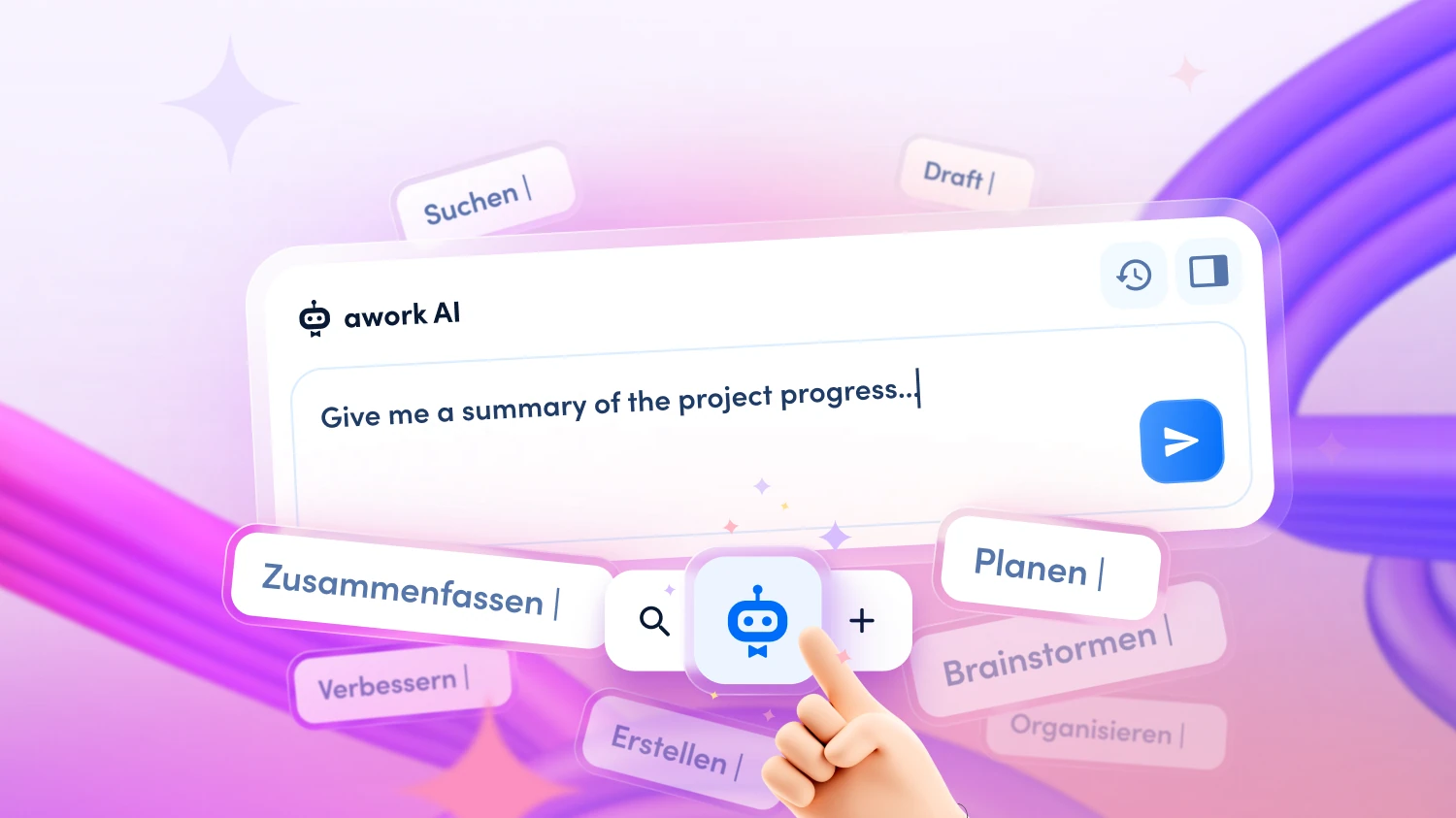
Write in natural language, e.g.: "Give me a summary of the project progress for the past week. What's been completed, what's still open, and where does the budget stand?" No complex prompt setup required – the AI knows which project is open.
Pro tip idea: Create a project report template as a Doc and have awork AI fill in this template on a regular basis. This way, you always get your desired structure as the output.
Step 3: Wait for the Analysis
awork AI now automatically checks: Which tasks were completed last week? What's still open – and are there any overdue items? How many hours have been logged, and how does that compare to the planned budget? Are there any risks or bottlenecks that you should flag to the client?
Step 4: Receive the Summary
The AI provides you with a structured summary, e.g.: "This week, the concept and first design draft were completed. Open: client feedback on draft 1 (due Friday), technical setup not yet started. Budget status: 62% used at 55% of scope completed – slightly elevated consumption, worth raising in the conversation." – including specific pointers as to what might be relevant to discuss.
Step 5: Save as a Doc or Use Directly
Ask awork AI to create a Doc so you have the information to hand during the meeting or can share it with the client afterwards. Optionally, you can ask the AI to turn it into an agenda for the conversation.
Total effort: 3 minutes instead of 30 to 60 minutes of manual research.
[.b-button-primary]Discover awork Al[.b-button-primary]
AI Works Best When Your Data Is Complete
awork AI is only as good as the data it can access. The more complete your workspace is – project plans, time tracking, budgets, task statuses, assigned team members – the more precise and useful the generated status reports will be.
This is especially true for reporting: if time tracking is maintained consistently and tasks are kept up to date, the AI can reflect the true project status – not just what was last entered manually.
awork AI Supports You Throughout the Entire Project Cycle
[.toc-name]AI Throughout the Entire Project Cycle[.toc-name]
The status report is one of our favourite prompts – but awork AI can be used for many other typical agency moments:
- Weekly planning: Have a complete meeting briefing generated for the coming week – including project status, risks and open decisions across all projects.
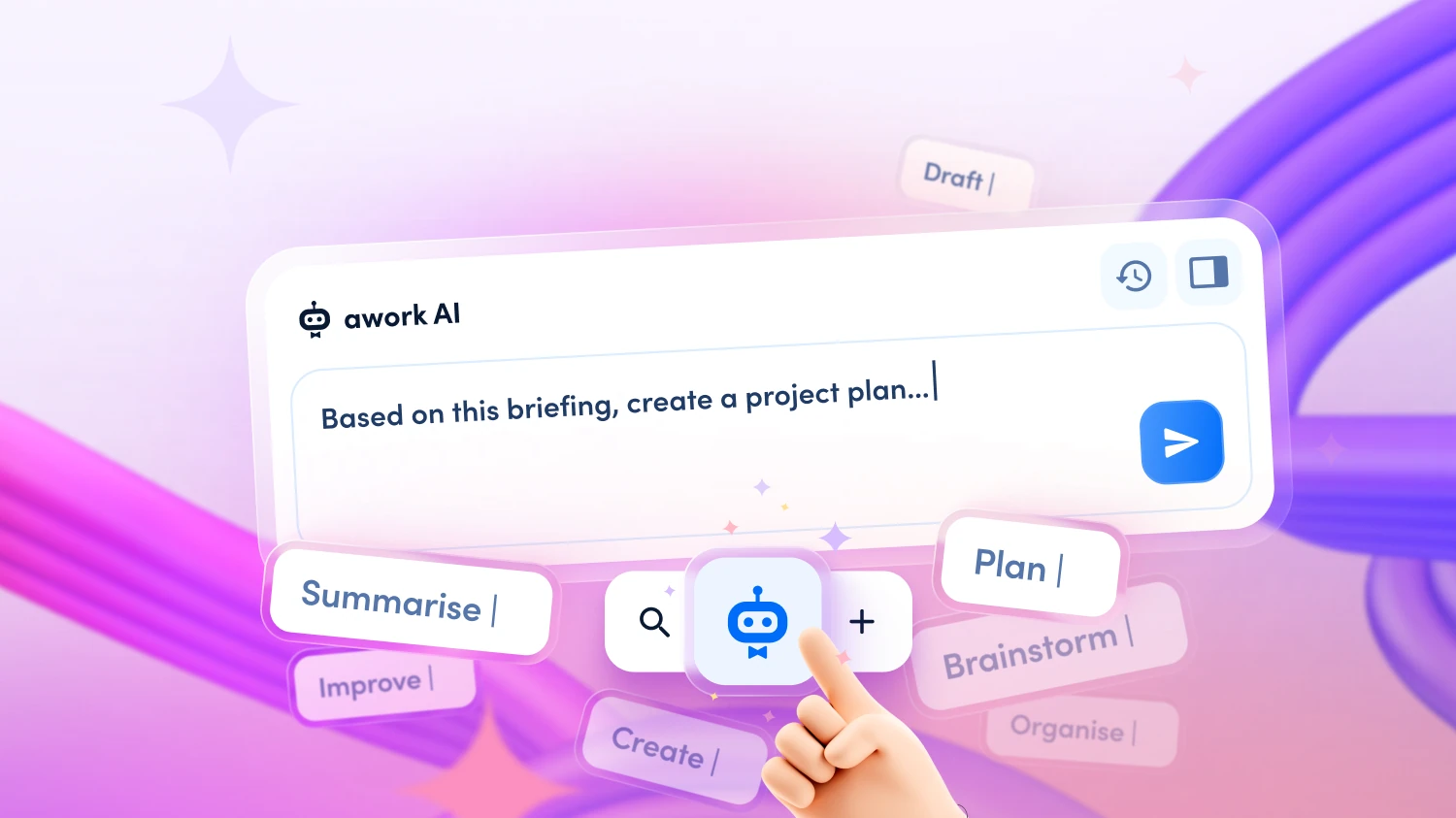
- Project planning: From a client e-mail or meeting notes, awork AI creates a structured project plan directly, with tasks, phases and data-driven time budgets.
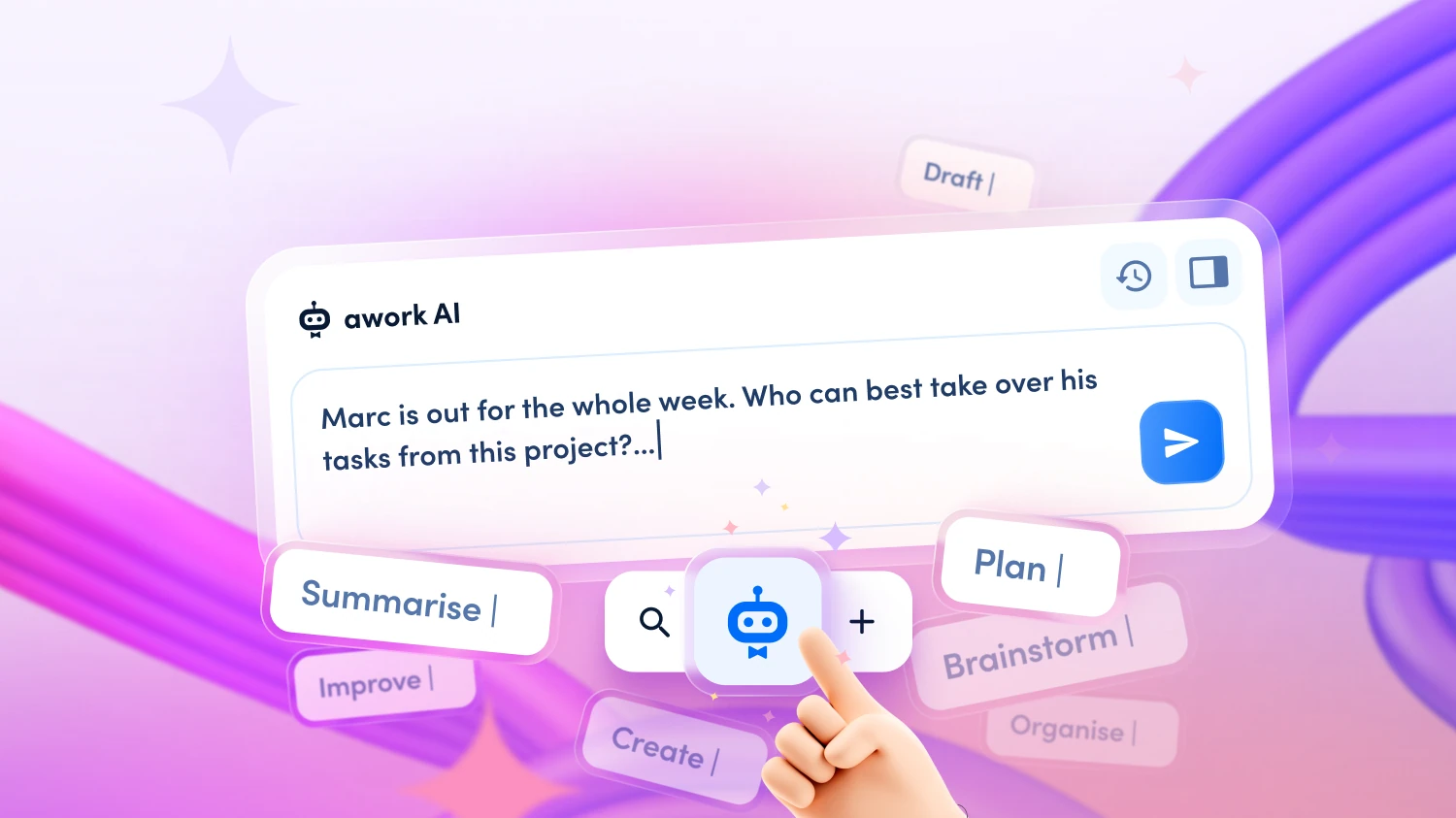
- Absence management: If a team member drops out at short notice, awork AI analyses open tasks, checks skills and availability, and suggests a concrete redistribution.
- Project closure: At the end of a project, awork AI helps extract learnings and save successful structures as a template.
👉 Discover more workflows for your agency in our webinar ‘Improve agency operations with AI’.
Data Protection: GDPR-Compliant in the EU
[.toc-name]Data Protection[.toc-name]
Project data and client information are sensitive. awork AI processes all data on ISO 27001-certified servers in Germany/EU. No training on your data, no sharing with third parties. For agencies in the DACH region, this is a decisive advantage over external AI tools where it is unclear where client data ends up.
[.b-button-primary]Discover awork Al[.b-button-primary]
FAQ
What data does awork AI draw on for a project status report?
awork AI accesses all data available in your workspace: completed and open tasks, logged hours, deadlines, budget status, assigned team members and project descriptions. The summary is based on real, up-to-date data – not estimates.
Can awork AI create status reports for multiple projects at the same time?
Yes. You can ask awork AI to create an overview of all ongoing projects for a particular client or across your entire workspace – for example, as preparation for a quarterly review or a cross-project status meeting.
How up to date is the data in the status report?
awork AI accesses the live status of your workspace – the data is as current as your most recent time entry or task update. The more consistently your team works in awork, the more reliable the generated reports will be.
Can I share the generated status report directly with the client?
You can save the summary as an awork Doc and share it from there. It is always advisable to carry out a brief human review before sending – the AI knows your project data, but not all the nuances of the client relationship.
Does awork AI replace the traditional status meeting with the client?
No – but it ensures you are thoroughly prepared for every meeting. awork AI provides you with the data foundation; you bring the context and the relationship. The goal is not to replace coordination, but to make it shorter, more focused and more productive.
[.no-toc]Never Go Into a Client Meeting Unprepared Again[.no-toc]
Spontaneous requests, lack of overview, manual research under time pressure – none of this needs to happen. awork AI gives you the project status you need in minutes – so you can focus on the conversation, not on chasing down data.
[.b-button-primary]Test awork for free.b-button-primary]