[.b-important-block]awork is a monday.com alternative for agencies that want to manage their projects profitably rather than simply organising them. The key difference is that awork incorporates agency logic (time → budget → capacity utilisation → profitability) natively from day one. monday.com is a highly flexible work management system in which this logic must first be built in manually using custom columns, formulas and dashboards.[.b-important-block]
[$tag]💡 Good to know[$tag]
monday.com is one of the most well-known work management platforms worldwide. As a "Work Operating System," it promises unlimited flexibility – customizable boards, custom columns, and automations for every use case.
However, for agencies, this flexibility can become a disadvantage. The universal approach means: Agencies must configure their PM solution themselves – through custom columns, formulas, and dashboards. In the end, this costs one thing above all: time.
If you work project-based and need to think economically, there's an alternative: awork.
In this article, we compare monday.com and awork from an agency perspective, showing you where the differences lie and which tool is truly worthwhile for whom.
[.b-button-primary] Request your personal comparison [.b-button-primary]
The agency case in monday.com
[.toc-name]Limitations for agencies[.toc-name]
monday.com was developed for maximum adaptability. This makes it a powerful tool for different industries and use cases. However, agencies have specific requirements that follow clear logic: Projects have budgets. Teams have limited capacity. Time is tracked, billed, and must be profitable.
monday.com doesn't treat these requirements as standard, but as individual configuration needs:
Common Limitations for Agencies:
- Time tracking without budget connection: Hours are tracked, but the system doesn't automatically calculate against project time budgets. Budget status must be determined manually.
- Build budget logic yourself: Budget control isn't natively available. Custom columns, formulas, and dashboards must be configured for each project.
- Task-based instead of hour-based capacity planning: The system shows task assignments, not real availability. Working hours, part-time models, and absences aren't automatically considered.
- External collaboration via guest roles: Freelancers and clients can be invited as guests, which is often paid and restricts true collaboration.
- High setup and maintenance effort: Agencies report significant time investment for configuration and maintenance across multiple client projects.
The result: Agencies invest time in tool configuration instead of project management.
Is awork a monday.com alternative?
[.toc-name]Agency requirements[.toc-name]
Project-based service providers have specific requirements for PM software:
- Economic transparency in real-time. Projects must be continuously monitored for budget status, margin trends, and profitability.
- Hour-based capacity planning. Planning must reflect real availability – including working hours, part-time models, absences, and calendar appointments.
- Integrated time tracking. Tracked time must be automatically linked to project budgets and distinguish between billable and internal time.
- Professional collaboration with external partners. Freelancers, partners, and clients must be able to work as equals on projects without exposing internal data.
- Agency logic without configuration effort. The basic structure – projects, budgets, time, capacity – must function without a setup phase.
awork was specifically developed for these requirements. It's suitable as a monday.com alternative when:
- ✅ Time is billed and must be managed economically
- ✅ Budgets must be strictly maintained
- ✅ Utilization is actively planned and monitored
- ✅ Projects must be run profitably
- ✅ Low configuration effort is desired
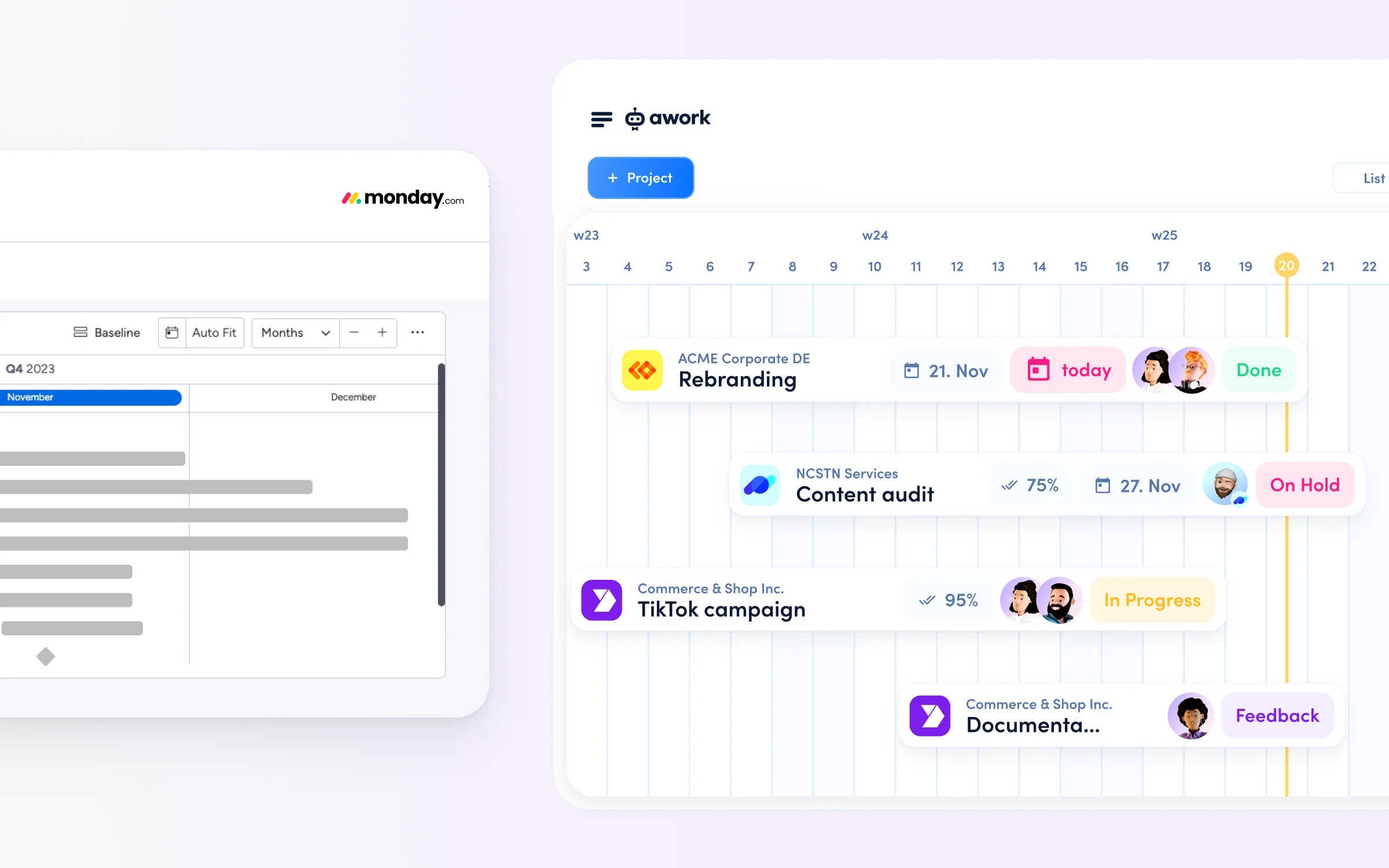
Feature comparison: monday.com vs. awork
[.toc-name]Features compared[.toc-name]
The following comparison focuses on agency-relevant features.
::table::
tool comparison | awork | monday
Agency focus | ✅ Built specifically for agencies | ❌ General-purpose
Time tracking | ✅ Native, planning-integrated | ✅ Native, task-based
Billability tracking | ✅ Real-time, automatic | ⚠️ Custom setup
Capacity planning | ✅ Real availability planning | ⚠️ Estimate-based workloads
AI context | ✅ Business & operations | ✅ Workflows & automation
EU server location | ✅ Germany | ⚠️ USA (EU from Enterprise)
Setup | ✅ Agency-ready | ⚠️ Highly configurable
::/table::
[.b-button-primary] Request your personal comparison [.b-button-primary]
How does time tracking differ?
monday.com tracks time; awork manages it.
👉 monday.com:
monday.com offers a Time Tracking Column. Time can be tracked on tasks – manually or via timer.
Limitations:
- No automatic connection to project budgets
- Budget consumption must be modeled via custom columns and formulas
- Distinction between billable and internal time requires manual tagging
- Economic evaluations require custom dashboards
Example: A tracked time entry of 8 hours is registered. The question "How much project budget is still available?" is not automatically answered.
👉 awork:
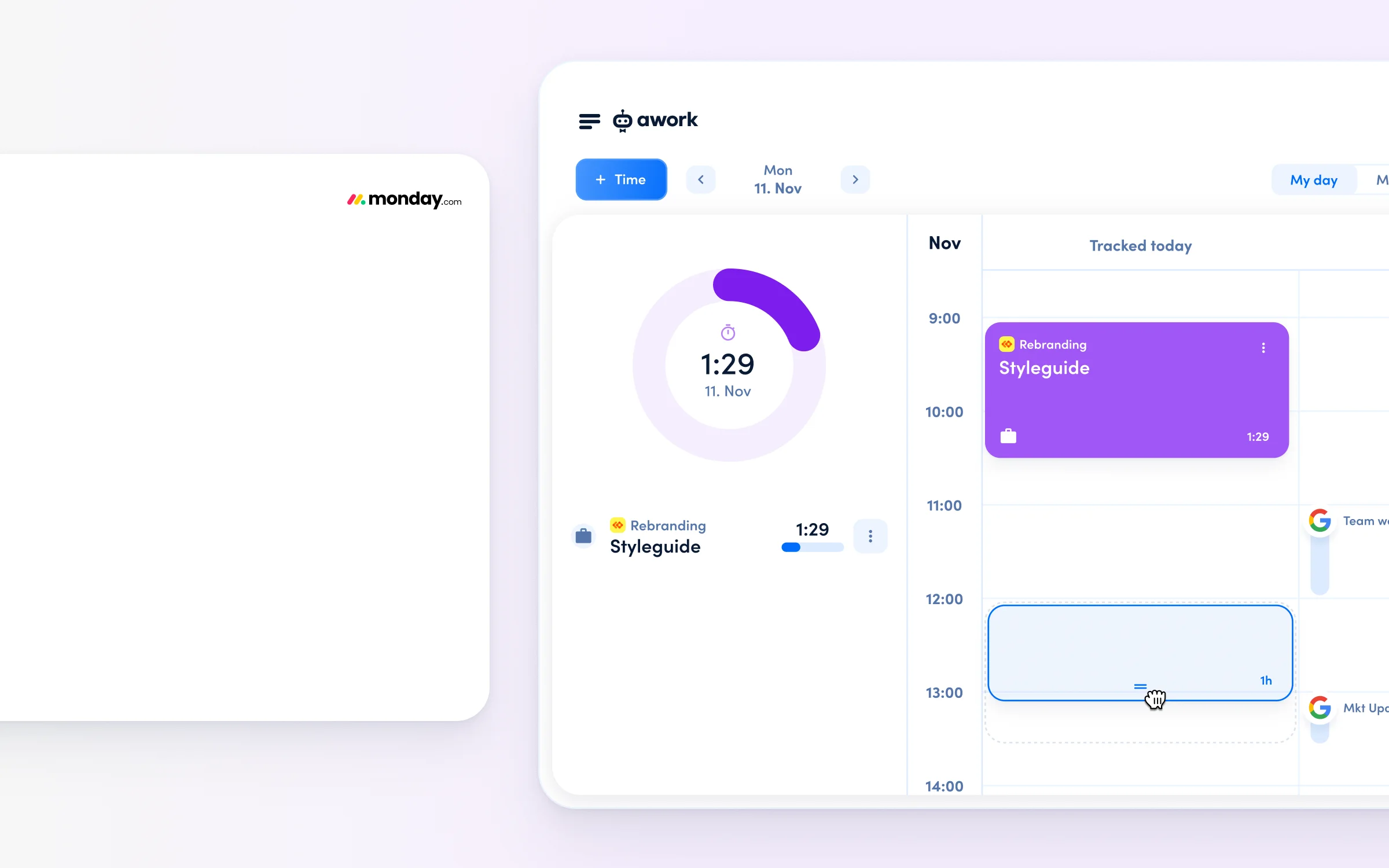
In awork, time tracking is directly linked to project management. Time is booked to tasks and projects and automatically connected to budgets, progress, and utilization.
Functionality:
- Automatic calculation of budget consumption and remaining budget
- Native distinction between billable and internal time at project level
- Real-time overview of time consumption, budget status, and utilization
- No additional dashboards or exports required
Example: A time entry of 8 hours automatically shows: Project has 32 of 120 hours budget remaining. Utilization is at 85%. Hours are billable.
[.b-button-primary]Track times and control budgets[.b-button-primary]
How does capacity planning differ?
monday.com shows task workload, whilst awork shows actual availability in hours.
👉 monday.com:
The Workload View visualizes capacity based on task assignments and manually set workload values.
Limitations:
- Capacity is based on tasks, not working hours
- Working hours, part-time models, and absences aren't natively considered
- No native connection to tracked time or project budgets
- Shows task volume, not real availability
Example: A person has 20 tasks assigned. System shows "Overloaded." In reality, the person works part-time and is absent next week – this information isn't integrated.
👉 awork:
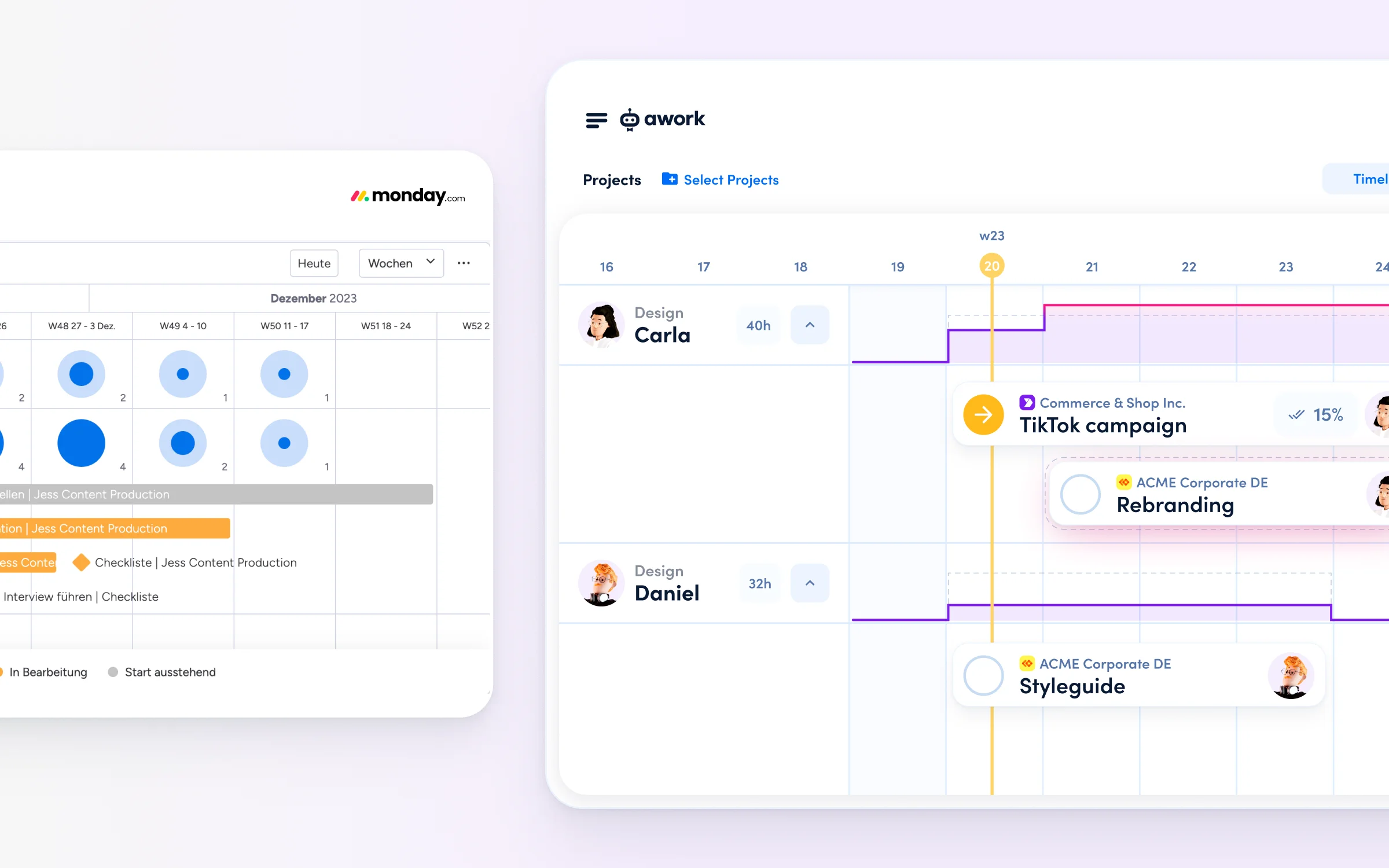
awork plans capacity hour-based on real availability.
Considered factors:
- Individual working hours and part-time models
- Absences and vacation days
- Calendar appointments
- Planned project work
- Already tracked time
Utilization is directly linked to projects, budgets, and time.
Visible are:
- Available remaining capacity in hours
- Realistic utilization situation
- Impact on project margins
Example: When assigning a project, it displays: "Person has 12 available hours remaining this week with 25h total capacity."
[.b-button-primary] Curious? Try awork for free! [.b-button-primary]
Learn how to plan your agency’s utilisation with confidence in our webinar.
[.b-button-primary] Plan multiple projects across teams [.b-button-primary]
How do AI features differ?
monday.com AI optimises workflows, whilst awork AI optimises project management.
👉 monday.com:
monday.com's AI focuses on workflow automation and productivity.
Features:
- Automatic updates and summaries
- Text generation
- Board optimizations
- Automation suggestions
The AI works with board, item, and communication data. Since time budgets and utilization logic aren't natively available, this data can't be used for economic project management.
👉 awork:
awork AI is designed for economic project management and has access to integrated agency data:
Data basis:
- Projects and tasks
- Tracked time
- Project and time budgets
- Real availability and utilization
- Calendar and absence data
Use cases:
- Resource recommendations based on real capacity
- Project planning considering utilization and time budgets
- Automatic insights on project utilization and team availability
[.b-button-primary] AI, that makes project work easier [.b-button-primary]
How does working with external partners differ?
monday.com invites external users as guests, whilst awork connects organisations through shared projects.
👉 monday.com:
monday.com offers guest roles for external access to selected boards.
Functionality:
- External partners work within the agency workspace with restricted rights
- Guest roles can be paid depending on the plan
- Suitable for feedback and insights, not for operational collaboration with time tracking and budget responsibility
- Asymmetric collaboration: External partners are visitors, not equal project partners
👉 awork:
awork uses a cross-workspace project sharing model.
Functionality:
- Projects are shared between separate workspaces
- Each party works in their own workspace
- Collaboration happens at project level
- Internal data remains completely private
Advantages:
- Equal collaboration across organizational boundaries
- Precise permissions: shared project work with private internal information
- No additional license costs for external partners
- Professional project communication without email fragmentation
[.b-button-primary] Curious? Try awork for free! [.b-button-primary]
Data privacy and support comparison
[.toc-name]Services compared[.toc-name]
At monday.com, EU hosting is only available on the Enterprise plan, whereas at awork, hosting in Germany is included in all plans.
👉 monday.com:
- Server locations in USA & EU
- Data Residency (EU hosting) only in Enterprise plan
- GDPR-compliant through standard contractual clauses
- Support primarily in English
👉 awork:
- Server locations exclusively in Germany (Frankfurt)
- GDPR-native architecture, developed and operated in the EU
- ISO 27001 certified
- EU hosting included in all plans
- Support in German, even in Standard plan
- Specialized onboarding and consulting services for agencies
For agencies with public sector clients or strict data privacy requirements, awork is the more cost-effective solution – EU data privacy is already included in the base plans.

[.b-button-primary] Request your personal comparison [.b-button-primary]
FAQs
Which ISO 27001-certified project management software is suitable for agencies?
awork is ISO 27001-certified and is hosted on Microsoft servers in Germany. This certification is included in all awork plans — no Enterprise surcharge is required. For agencies with corporate clients, public sector clients or strict compliance requirements, this is a decisive advantage over US tools.
Which GDPR-compliant project management software is suitable for agencies?
awork is fully GDPR-compliant: servers located in Germany, no data used for AI training, Data Processing Agreement (DPA) available on request. Monday.com is a US company — GDPR compliance with EU data residency is only available on the Enterprise plan.
Which alternative to Monday.com is good for agencies?
awork is the agency-specific alternative to Monday.com. Whilst Monday.com offers maximum flexibility for many industries, it lacks native agency logic: time budgets are not automatically linked to project budgets, capacity planning is superficial, and integrating freelancers costs extra. awork delivers these core agency functions natively, from day one, without any configuration effort.
Conclusion: monday.com or awork
[.toc-name]Conclusion: monday.com vs. awork[.toc-name]
monday.com is a powerful, highly flexible work management system for various industries and use cases.
For agencies, the following limitations arise:
- No native agency logic (time → budget → utilization → profitability)
- Time tracking available but not economically integrated
- Budgets and profitability must be manually modeled
- Capacity planning based on tasks, not real availability
- High setup and maintenance effort
- EU hosting only in Enterprise plan
awork was specifically developed for agencies and delivers:
- Native time tracking with budget integration
- Hour-based capacity planning based on real availability
- Economic project management in real-time
- Agency logic without configuration effort
- Germany hosting in all plans
- Free external collaboration
The decision:
monday.com is suitable for organizations that need maximum flexibility and have resources for configuration. awork is better suited for agencies that work project-based and need to manage economically.
[.b-button-primary] Request your personal comparison [.b-button-primary]