AI-powered project controlling means that you always know during a project whether it is still on budget, based on the real figures from your workspace – not on gut feeling. For agencies, this is a direct lever on profitability: those who identify budget risks early can take corrective action. Those who notice too late lose margin – quietly and gradually, project by project.
The most dangerous situation in day-to-day agency life is not the project that is obviously going wrong. It is the project where everyone thinks things are going well – until the final invoice reveals that 20% more effort was involved than originally calculated. By that point, there are no options left: the damage is done, the client is surprised, the margin is gone. And nobody saw it coming. 🤯
Why Agencies Often Identify Profitability Problems Too Late
[.toc-name]Hidden Profitability Problems[.toc-name]
In the middle of a project, two crucial questions arise – and they are asked far too rarely:
Is this project still on track? Still profitable? And: Do we need to talk to the client about additional budget?
Checking ongoing projects for profitability sounds straightforward at first, but in practice it means:
- Examining the entire project: Which tasks are completed, which are still open, and are there any missing time entries?
- Comparing logged time against the planned budget: How much of the budget has already been used, and does that bear a reasonable relationship to the completed scope?
- Interpreting discrepancies: Is the difference a genuine risk, or is there a good reason for it?
- Taking corrective action if necessary: Adjusting scope, informing the client or replanning internally – before it is too late.
This takes one to two hours per project – time that is not billable and directly reduces billability. With several projects running simultaneously, this check is so time-consuming that it often simply doesn't get done. And then the surprise comes at the end of the project: it ran 20% over time – and nobody noticed until the invoice was raised.
How awork AI Safeguards Your Budgets
[.toc-name]How AI Safeguards Budgets[.toc-name]
awork AI is integrated directly into your workspace and knows the current status of all projects – tasks, time tracking, budgets, deadlines and assigned team members. You don't need to explain any context or copy data together. This is the crucial difference from general AI tools like ChatGPT or Claude: they don't know your projects and budgets. awork AI does.
The result: instead of reactive controlling at the end of the project, you get proactive insights in the middle of it – when you can still take action.
[.b-button-primary]Discover awork AI[.b-button-primary]
Use Case: Profitability Check for Ongoing Projects
[.toc-name]Use Case: Profitability Check[.toc-name]
Halfway through the project. You have a feeling that more effort is being generated than planned – but you don't know for certain. With awork AI, you get clarity in minutes: how much budget has been used? How much scope has actually been completed? Have all hours been logged? And does the client need an update now?
Step 1: Open the Project & awork AI
Open the relevant project directly in awork. This sets the context for the AI – it automatically sees all tasks, logged hours, deadlines, assigned team members and the current budget status of that project.
Step 2: Enter Your Prompt
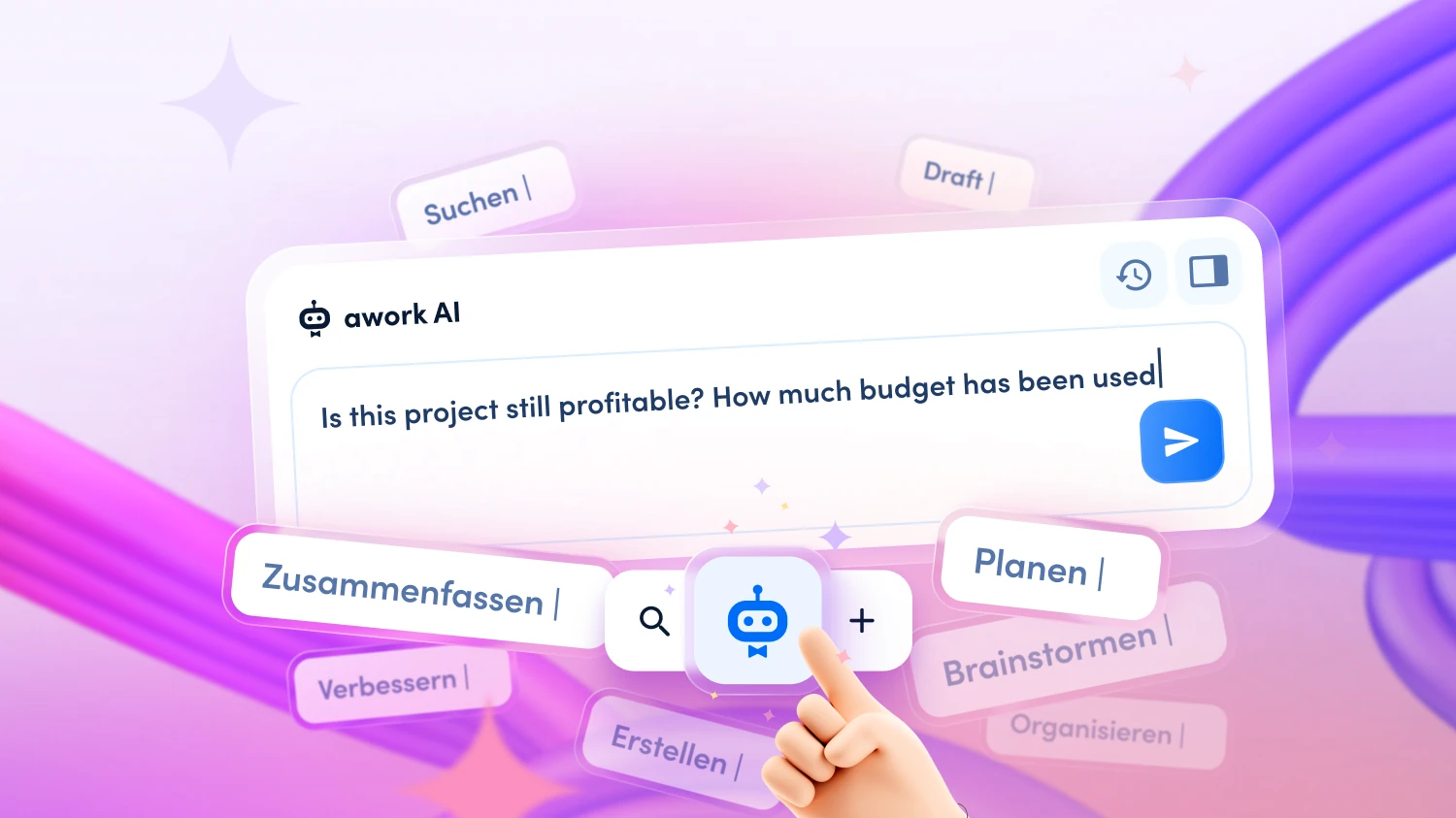
Write in natural language, e.g.: "Is this project still profitable? How much budget has been used, how far along are we in terms of content – and are there any gaps in the time tracking or risks before the deadline? Does the client need an update now?" No complex prompt setup required – the AI knows which project is open.
Step 3: Wait for the Analysis
awork AI now automatically checks: how many hours have been logged so far – and how does that compare to the calculated budget? How much scope has actually been completed, and does the ratio match the budget consumption? Are there tasks with missing time entries? Which open tasks will still draw on the budget – and is the remaining budget sufficient to cover them?
Step 4: Read and Assess the Evaluation
The AI provides you with a clear assessment, e.g.: "72% of the budget has been used, but only 58% of tasks have been completed. At the current pace, the project will exceed the budget by approximately 20%. Note: the development phase has not yet started and accounts for 25% of the planned effort. In addition, time entries are missing for three completed tasks – please add these. Recommendation: have a conversation with the client about scope and timeline before any further tasks are approved."
Step 5: Human Review
Now it's your turn. Review the assessment with your own context in mind: are there background factors the AI is not aware of – for example, a scope extension agreed after the fact that hasn't yet been added to the plan, or an informal arrangement with the client? Decide which measures you will take.
Step 6: Prepare Next Steps
Ask the AI to create a summary for the internal team or an update for the client based on the analysis – including completed tasks, open items and budget status. You give the final sign-off before anything is sent externally.
Total effort: 5 minutes instead of one to two hours of manual controlling work.
[.b-button-primary]Discover awork AI[.b-button-primary]
Early Detection Rather Than End-of-Project Surprises
[.toc-name]Skip the End-of-Project Surprises[.toc-name]
The real goal of AI-powered project controlling is not the faster report – it is the moment when you can still take action.
A classic agency scenario: a project runs 20% over time. Nobody notices – because nobody checks regularly, because the check is too time-consuming, because everyone is caught up in day-to-day business. The full extent only becomes visible when the invoice is raised. Too late for a clarifying conversation, too late for a scope adjustment, too late for anything other than an uncomfortable discussion about the final bill.
With awork AI, this check becomes routine – in minutes, not hours. In concrete terms, this means:
- Identifying scope creep early: If effort is growing without the plan being adjusted, the AI will spot it.
- Closing time tracking gaps before they become a problem: Missing entries are flagged while they can still easily be added.
- Budget warnings before the limit is reached: Not only when 100% has been used, but when the trend points in that direction.
- Informing clients proactively: Rather than reacting to enquiries – with a well-founded update that builds trust rather than costing it.
This applies to all project types: fixed-price projects or retainer budgets. Wherever budget and effort need to bear a reasonable relationship to one another, awork AI gives you the overview.
[.b-button-primary]Discover awork AI[.b-button-primary]
AI Works Best When Your Data Is Complete
awork AI is only as good as the data it can access. The more complete your workspace is – project plans, time tracking, budgets, task statuses and deadlines – the more precise and useful the controlling assessments will be.
This is especially true for project controlling: if time tracking is maintained consistently and tasks are kept up to date, the AI can identify genuine discrepancies rather than simply reporting data gaps.
[.b-button-primary]Discover awork AI[.b-button-primary]
awork AI Supports You Throughout the Entire Project Cycle
[.toc-name]AI Throughout the Entire Project Cycle[.toc-name]
Project controlling is a central flow – but awork AI can be used for many other typical agency moments:
- Spontaneous client meeting: If a client calls at short notice, awork AI creates a complete project summary in minutes, with progress, open items and budget status.
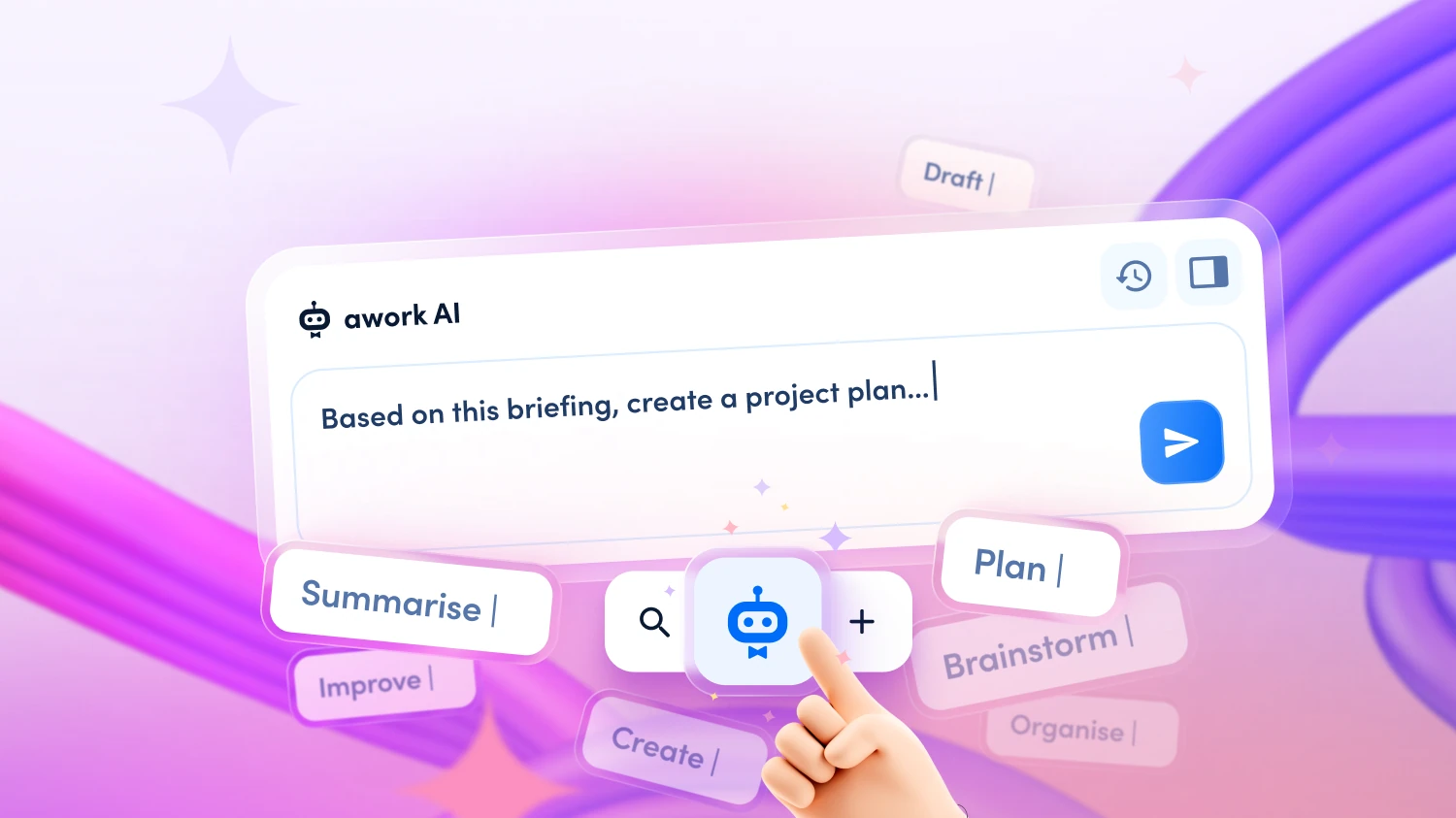
- Project planning: From a client e-mail or meeting notes, awork AI creates a structured project plan directly, with tasks, phases and data-driven time budgets.
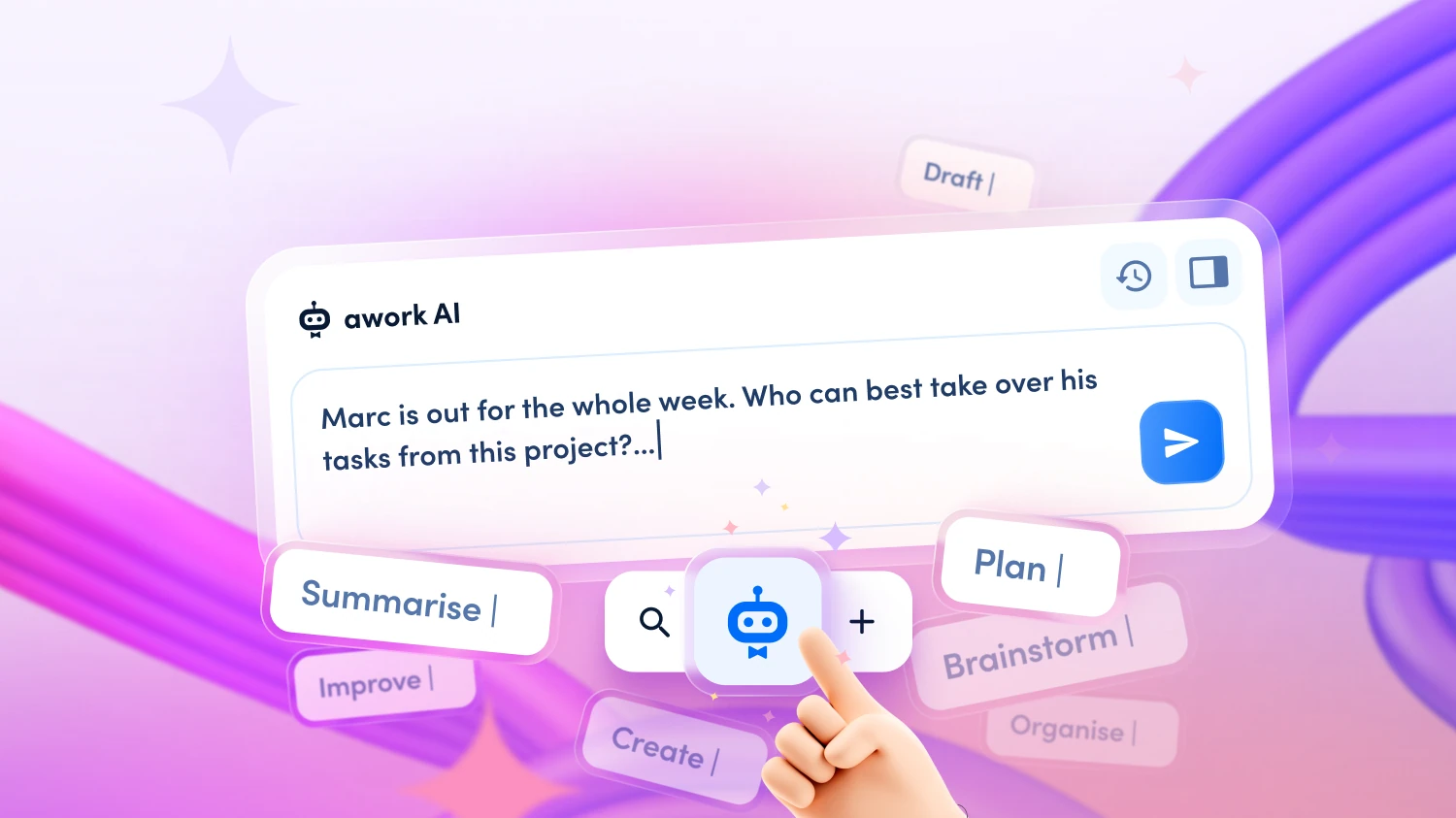
- Absence management: If a team member drops out at short notice, awork AI analyses open tasks, checks skills and availability, and suggests a concrete redistribution.
- Weekly planning: Have a complete meeting briefing generated for the coming week – including project status, risks and open decisions across all projects.
👉 Discover more workflows for your agency in our webinar ‘Improve agency operations with AI’.
Data Protection: GDPR-Compliant in the EU
[.toc-name]Data Protection[.toc-name]
Project data, budgets and client information are sensitive. awork AI processes all data on ISO 27001-certified servers in Germany/EU. No training on your data, no sharing with third parties. For agencies in the DACH region, this is a decisive advantage over external AI tools where it is unclear where client data ends up.
[.b-button-primary]Discover awork AI[.b-button-primary]
FAQ
Can awork AI identify whether an ongoing project is still profitable?
awork AI compares the hours used to date against the calculated budget and the scope actually completed. If effort is growing faster than progress, the AI identifies the trend – and gives you a concrete assessment of how the project would conclude at its current pace. The final evaluation and decision always rests with you.
What does it actually mean if a project runs 20% over time?
If a project generates 20% more effort than calculated, that means 20 hours on a 100-hour project that cannot be invoiced – depending on the hourly rate, a considerable loss of margin. awork AI makes this trend visible before it becomes reality.
Can awork AI check whether all hours have been fully logged?
Yes. awork AI identifies when tasks have been marked as completed but have no time entries, or implausibly few. You receive a specific notification indicating which tasks and which team members have missing entries – in time to add them.
Does the controlling function work for multiple projects simultaneously?
Yes. You can ask awork AI to create an overview of all ongoing projects – prioritised by budget risk, urgency or workload. This is particularly useful as preparation for weekly team meetings or management reviews.
What if the discrepancy has a good reason – for example, a scope extension agreed after the fact?
awork AI provides the data; you provide the context. If a scope change has taken place that hasn't yet been added to the plan, you will recognise this during the review and can adjust the plan accordingly. The AI makes discrepancies visible – what you do with that information is up to you.
Can I share the generated controlling report directly with the client?
You can save the summary as a document in awork and share it from there. It is advisable to carry out a brief human review before sending – the AI knows your project data, but not all the nuances of the client relationship or internal information that should not be shared externally.
[.no-toc]Keep Your Projects Under Control – From Start to Finish[.no-toc]
Identifying budget risks early, closing time tracking gaps, informing clients proactively: awork AI gives you the controlling insights you need – at any time, in minutes, without manual research. This means profitability is no longer a matter of luck, but the result of sound management.
[.b-button-primary]Start a free trial[.b-button-primary]