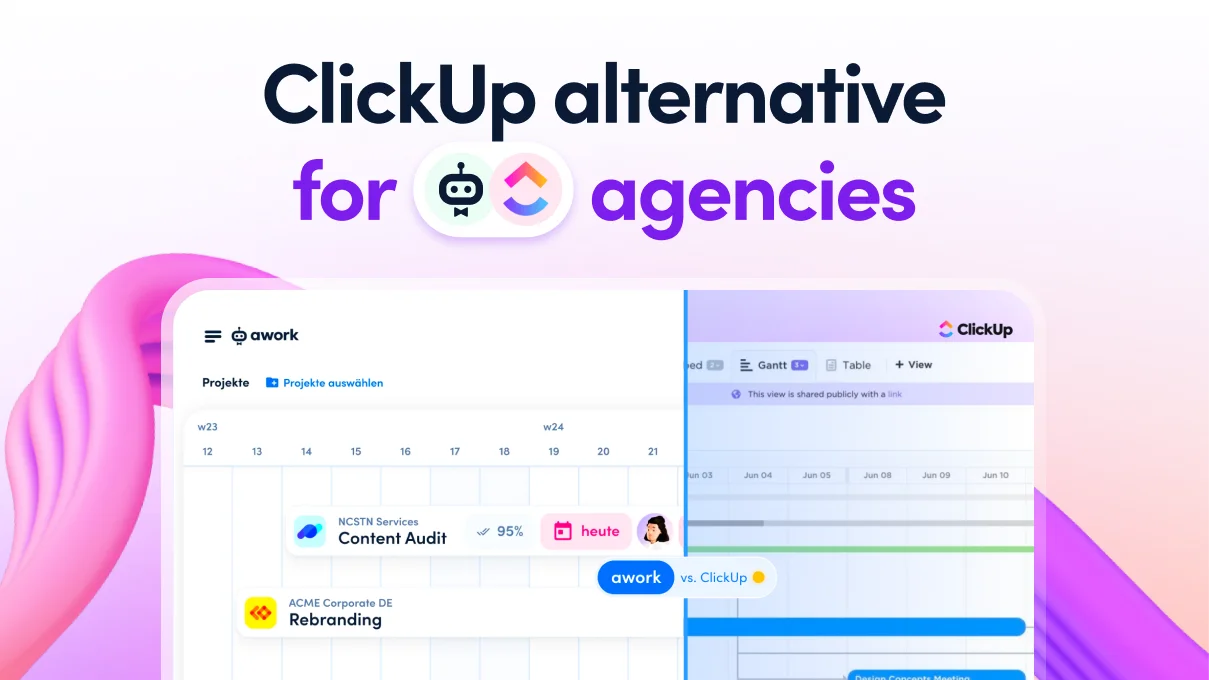
[.b-important-block]awork is a ClickUp alternative for agencies that want to manage their projects profitably rather than simply organising them. The key difference: awork incorporates agency logic (time → budget → workload → profitability) right from the start. ClickUp is an extremely flexible productivity platform in which this logic must first be set up manually using custom fields, formulas and dashboards.[.b-important-block]
[$tag]💡 Good to know[$tag]
ClickUp is one of the most comprehensive productivity platforms on the market. With hundreds of features, flexible views, and countless customization options, ClickUp targets teams of all sizes and industries – from software development and marketing to personal task management.
Yet this versatility can create challenges for agencies. While ClickUp can theoretically do everything, it lacks a clear, consistent logic for billable project work. Time tracking, budget control, capacity planning, and profitability must be built using Custom Fields, formulas, and dashboards.
For agencies that want to economically manage their projects rather than just organize them, awork is the better alternative. In this article, we compare ClickUp and awork from an agency perspective – fact-based, clear, and to the point.
[.b-button-primary] Request your personal comparison [.b-button-primary]
Who is awork a ClickUp alternative for?
[.toc-name]Who is awork an alternative for?[.toc-name]
awork is specifically designed for agencies and project-based service providers who need to not only plan their work but manage it economically.
This particularly applies to teams where:
- Time is billable and must be precisely tracked
- Budgets must be strictly maintained
- Utilization and capacity are actively planned and managed
- Projects must be run profitably
ClickUp is a powerful tool for flexible, customized workflows. For agencies, however, this means: extensive setup is requiered.
awork delivers exactly what agencies need – natively, integrated, and without custom configuration.
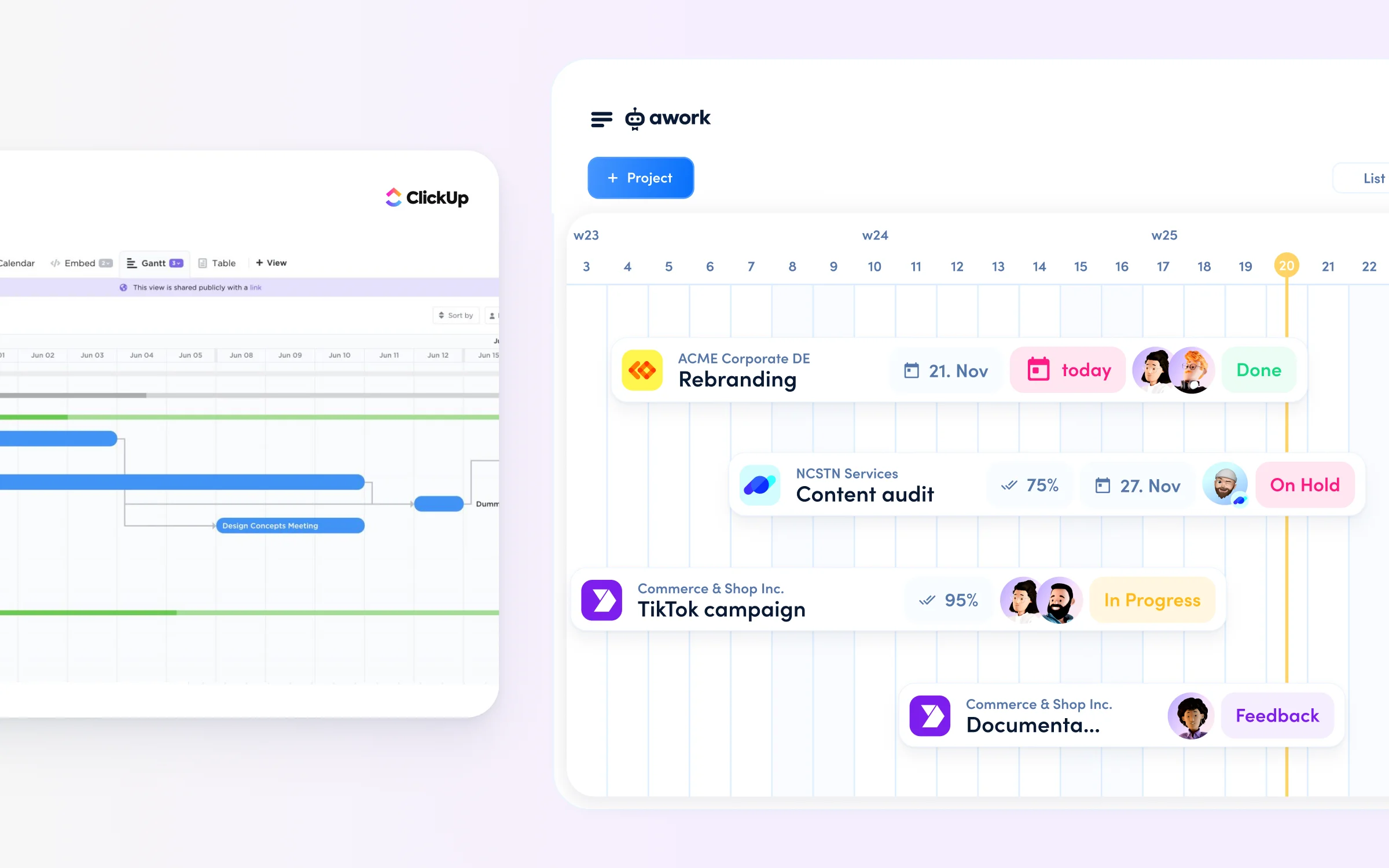
The biggest advantages of awork for agencies
[.toc-name]Advantages for agencies[.toc-name]
1. Economic project control instead of task management
awork shows in real-time how much time and budget has already been consumed in a project – and how much is still available. This allows project managers to identify budget risks early and take corrective action before projects become unprofitable.
2. Real capacity planning instead of estimates
awork doesn't plan capacity based on task lists or estimates, but on real availability: working hours, absences, calendar appointments, and already tracked time. This way, agencies can see whether teams are realistically over- or underutilized.
Learn how to plan your agency’s utilisation with confidence in our webinar.
3. Time, budget, and utilization in one system
While ClickUp treats time tracking, budgets, and resource planning separately, these functions are natively linked in awork. This saves setup effort, avoids data silos, and enables informed decisions based on consistent data.
4. Agency logic out-of-the-box
awork was specifically developed for agencies. Core agency logic (Time → Budget → Utilization → Profitability) works from day one, without Custom Fields, formulas, or complex dashboards.
ClickUp vs. awork: Feature comparison
[.toc-name]Feature comparison[.toc-name]
Rather than going through feature lists, it's worth looking at the functions that are truly relevant for agencies' business case.
::table::
tool comparison | awork | ClickUp
Agency focus | Built specifically for agencies | General-purpose
Time tracking | Native, planning-integrated | Native, task-based
Billability tracking | Built-in, real-time | Configurable via workflows
Capacity planning | Real availability planning | Estimate-based workloads
AI context | Business & operations | Tasks & content
EU server location | EU-based, GDPR-native| US-based, GDPR compliant
Setup | Agency-ready | Highly configurable
::/table::
[.b-button-primary] Request your personal comparison [.b-button-primary]
How does time tracking differ?
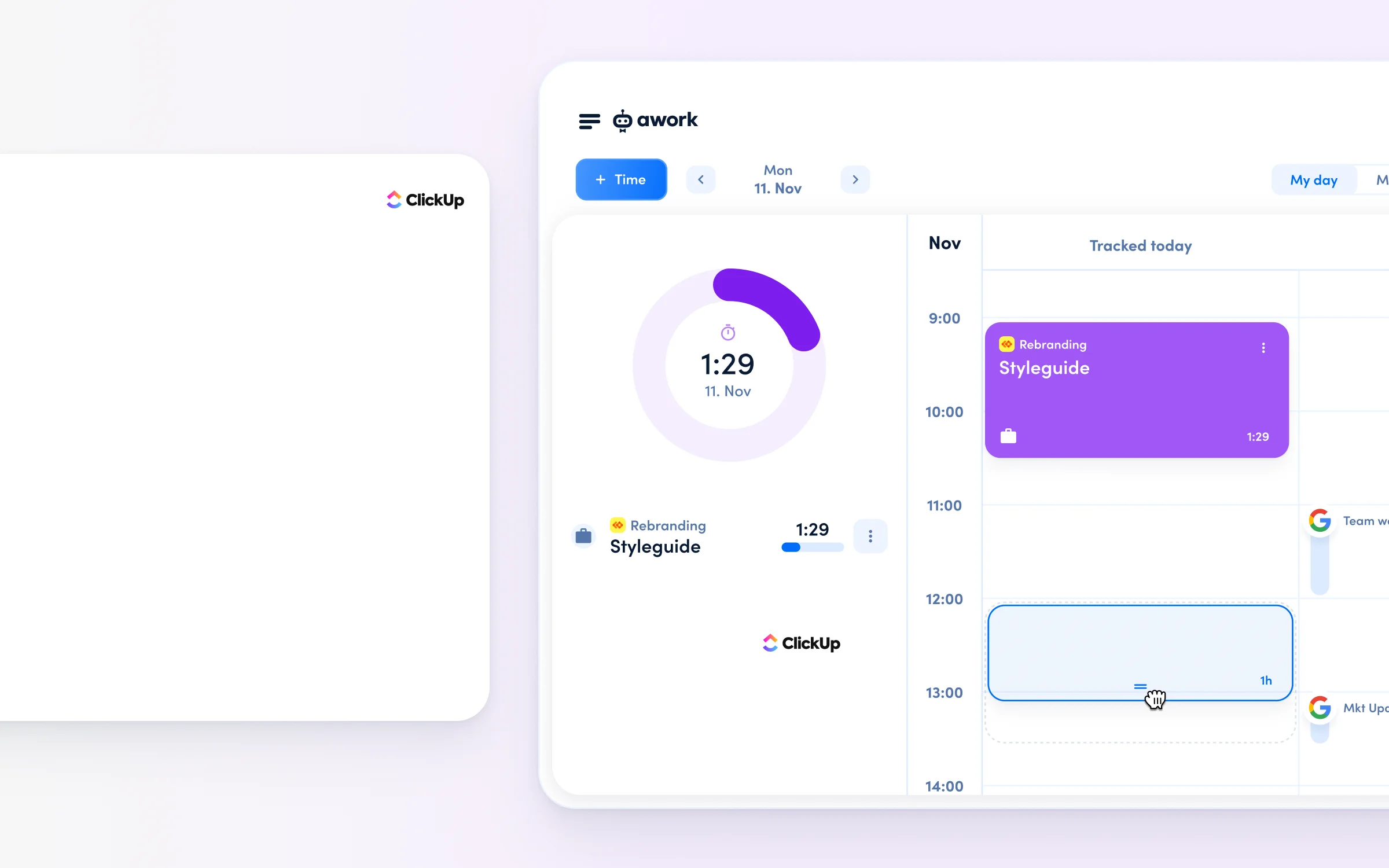
ClickUp tracks time; awork manages using time.
👉 ClickUp:
ClickUp offers native time tracking with timer and manual entry that can be tracked directly on tasks.
However, agencies quickly encounter limitations:
- Time data exists isolated next to tasks
- No native project time budgets that automatically reconcile with tracked time
- No automatic distinction between billable and internal time
- Economic insights (e.g., budget consumption per client) require complex custom dashboards or exports
👉 awork:
There's automatic integration with:
- Project and time budgets
- Progress
- Utilization
- Billability (billable vs. internal)
Project managers see in real-time:
- How much time has been consumed
- How much budget remains
- What impact this has on utilization and profitability
The distinction between billable and internal time happens automatically at the project level, without manually marking each time entry. This saves time, prevents errors, and enables informed business decisions without additional dashboards or exports.
In one sentence: ClickUp tracks time, awork manages with time.
How does capacity planning differ?
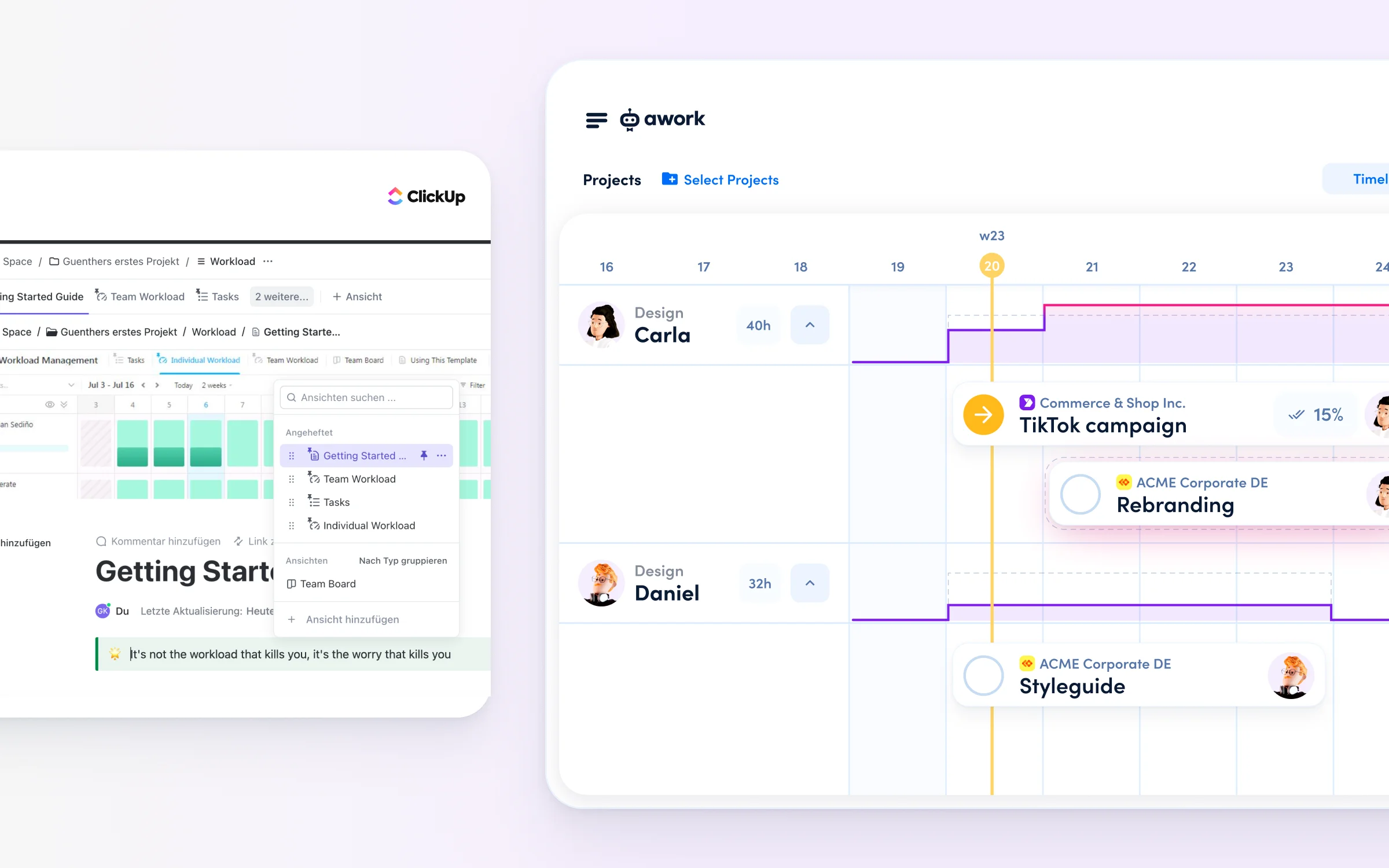
ClickUp displays task workload; awork displays actual workload.
👉 ClickUp:
ClickUp offers a so-called Workload View for resource planning, which visualizes capacity based on task assignments, time estimates, or custom effort fields.
Limitations for agencies:
- Capacity is based on estimates, not real working hours
- Working hours, part-time models, absences, and calendars are only partially or not at all considered
- No native connection between: utilization, tracked time, and budget consumption
- For real capacity planning, agencies must build their own logic and dashboards
👉 awork:
This approach automatically considers:
- Individual working hours
- Part-time models
- Absences and vacations
- Calendar appointments
- Planned project work
- Already tracked time
Utilization is directly linked to projects, budgets, and time.
Agencies can see:
- Available remaining capacity
- Impending overload
- Impact on project margins and profitability
This hour-based, realistic capacity planning enables agencies to make informed decisions about project acceptance and resource allocation – without manual maintenance or complex dashboards.
In one sentence: ClickUp shows task workload, awork shows real utilisation.
Learn how to plan your agency’s utilisation with confidence in our webinar.
How do AI features differ?
ClickUp AI optimises productivity; awork AI optimises agency operations.
👉 ClickUp:
ClickUp AI primarily focuses on productivity and content creation.
Typical functions include:
- Text creation and optimization
- Summaries of tasks and comments
- Automatic generation of subtasks
- Standups and updates
This helps teams write faster, communicate better, and work more efficiently. However, ClickUp AI has no access to economic control data such as time tracking, budget consumption, real utilization, or profitability metrics.
For agencies, this means: The AI helps work more productively, but not to economically manage projects or make informed business decisions based on real data.
👉 awork:
awork AI takes a different approach and is specifically designed for economic project management.
The AI has access to all relevant agency data in an integrated system:
- Projects
- Time tracking
- Budgets (time & planned effort)
- Real availability & utilization
- Calendar & absences
Impact for agencies: AI can deliver business-relevant insights, such as:
- Early detection of budget risks
- Resource recommendations based on real capacity
- Project profitability analysis
- Capacity-based planning suppo
In one sentence: ClickUp AI optimizes productivity, awork AI optimizes agency business.
Discover suitable workflows for your agency in our webinar ‘Improve agency operations with AI’.
How does working with external collaborators differ?
ClickUp invites external collaborators as guests; awork connects companies via shared projects.
👉 ClickUp:
ClickUp offers guest roles that are typically free and provide external people like clients or freelancers with limited access to selected areas. Guests work within the agency's workspace, but with reduced permissions.
Limitations for agencies:
- Guests work within your workspace, but with reduced permissions
- Not suitable for operational collaboration with time tracking and budget responsibility
- Collaboration is primarily designed for feedback and insight
👉 awork:
awork follows a fundamentally different model specifically tailored to agency reality. External parties are not guests in the internal system; instead, projects are shared between separate workspaces – similar to Slack Connect.
What this means:
- Each party works in their own workspace
- Projects are connected across companies
- Collaboration happens at the project level
- Internal data (utilization, budgets, management) remains completely private
Advantages for agencies:
- True collaboration across organizational boundaries
- Precise permissions: collaborate together, keep internal info private
- No additional license costs for external parties
- One place instead of email chaos
In one sentence: ClickUp invites external parties as guests, awork connects organizations through shared projects.
Other helpful features
👉 ClickUp:
- Extremely comprehensive feature list
- Many views (Lists, Boards, Gantt, Calendar, Timeline, Workload)
- Extensive automations
- Large number of integrations
👉 awork:
- Native project templates for recurring agency projects
- Integrated vacation management and absence planning
- Invoicing and export of billable time
- GDPR-compliant data hosting in Germany
- Support in German
[.b-testimonial]We tested Monday, Asana and ClickUp and the team unanimously found awork to be the most intuitive. Steepest learning curve. All functions are where you intuitively look for them and every new feature makes sense. We are fans![.b-testimonial]

Data protection and support comparison
[.toc-name]Services comparison[.toc-name]
ClickUp is a US company offering support in English, whilst awork is a German company offering support in German and hosting in Germany.
👉 ClickUp
- Server locations primarily in the USA
- GDPR-compliant through standard contractual clauses
- Support in English
👉 awork
- Server locations in Germany
- GDPR-native architecture, developed and operated in the EU
- Support in German, even in the standard plan
- Onboarding and consulting services specifically for agencies
For agencies that value EU data protection, German support, and agency-specific consulting, awork offers clear advantages.

According to OMR Reviews, tool users rate awork 9.4 for ease of use (ClickUp: 7.9), 9.6 for meeting requirements (ClickUp: 8.5), 9.3 for customer support (ClickUp: 8.5) and 9.3 for ease of setup (ClickUp: 7.8).
[.b-button-primary] Request your personal comparison [.b-button-primary]
FAQs
What is a good alternative to ClickUp for agencies?
awork is the specialist alternative to ClickUp for agencies: less complexity, but with native agency logic. ClickUp offers a very wide range of features with high configuration requirements. awork works for agencies from day one, with clear project management, integrated time tracking, budget control, capacity planning and freelancer integration, all without licence costs.
Which software is suitable for agencies that need German-speaking support and EU data protection?
awork is a German company (Hamburg) with a German-speaking support team, servers located in Germany, ISO 27001 certification and GDPR compliance across all plans. ClickUp is a US company — GDPR compliance and EU data residency require additional effort and are not available as standard across all plans.
Which software allows agencies to integrate clients and freelancers free of charge?
With awork Connect, clients, freelancers and external partners can be integrated into projects without additional licence costs. With ClickUp, external users incur their own costs or collaboration options are limited. awork gives agencies precise control over what external users can see and do.
Conclusion: Why awork is the better ClickUp alternative for agencies
[.toc-name]Conclusion: ClickUp vs. awork[.toc-name]
ClickUp is an extremely powerful, flexible platform. For many teams, this flexibility is precisely its greatest strength.
For agencies, however, it becomes a challenge:
- No native agency logic (Time → Budget → Utilization → Profitability)
- Time tracking available but isolated
- Budgets and profitability must be manually modeled
- Capacity planning based on estimates, not real availability
- High setup and maintenance effort
awork was specifically developed for agencies. It delivers out-of-the-box what requires custom configuration in ClickUp:
- Native time tracking with budget integration
- Real capacity planning based on actual availability
- Economic project management in real-time
- Clear agency logic without custom setup
[.b-testimonial]The familiarization with awork is super easy. The tool is not overpowered like other tools (e.g. ClickUp). For us, awork works really well - everyone finds their way around quickly![.b-testimonial]

The decision is easy enough: If you need maximum flexibility and are willing to invest significant time in setup and maintenance, ClickUp is an option. If you want to manage your agency business instead of configuring your tools, awork is the better alternative.
Want to take a look and see if awork is the right software for your team? You can test the ClickUp alternative here.
[.b-button-primary] Request your personal comparison [.b-button-primary]